Creating an Environment
-
On the PingOne Home page, click Add Environment.
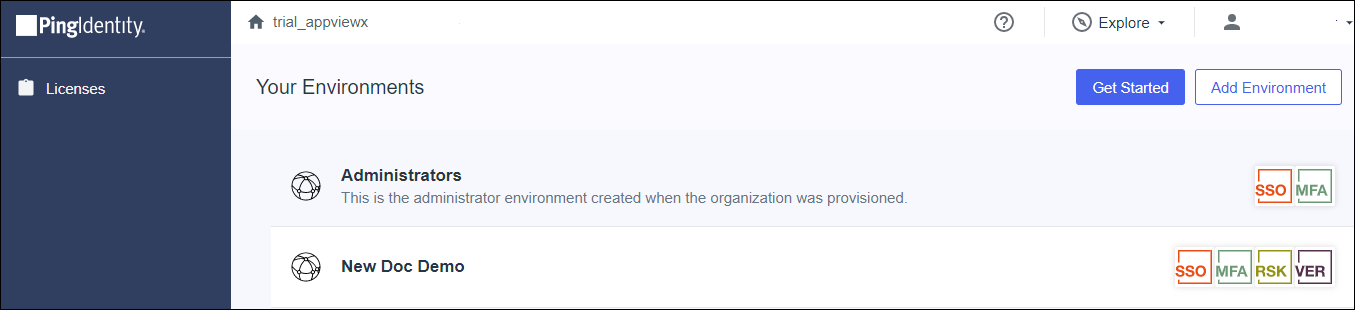
- Click Customer solution, then click Next.
-
Click Next.
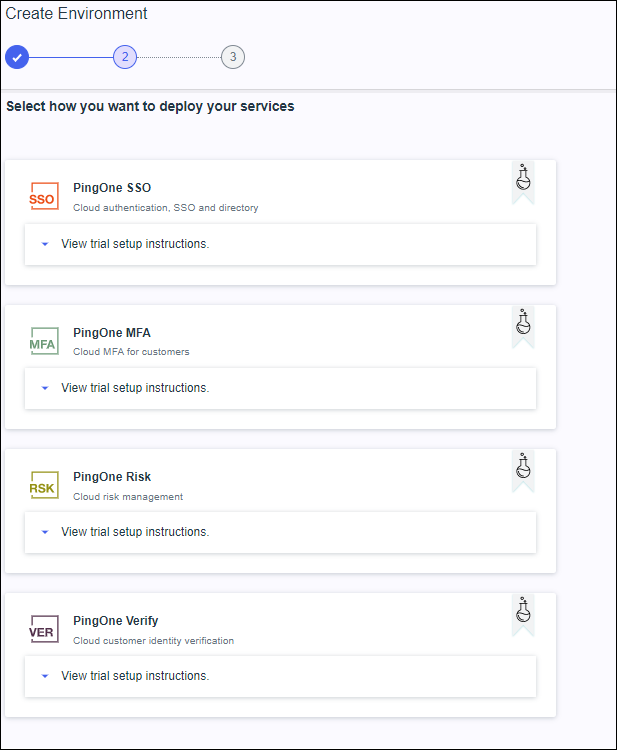
- Select PingOne & PingID details from the dropdown.
-
Click Next.
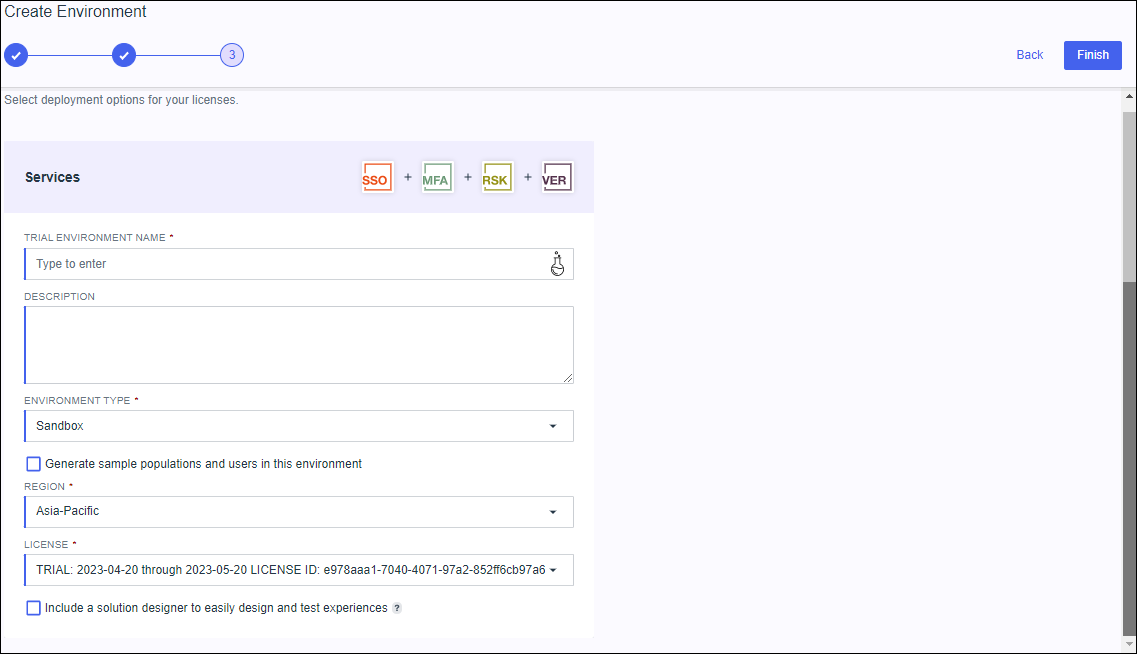
- In the Environment Name field, enter a name for the trial environment.
- In the Description field, enter a description for the trial environment.
- Select the Environment Type from the dropdown list.
- Select the Region from the dropdown list.
- From the License list, select a license.
-
Click Finish.
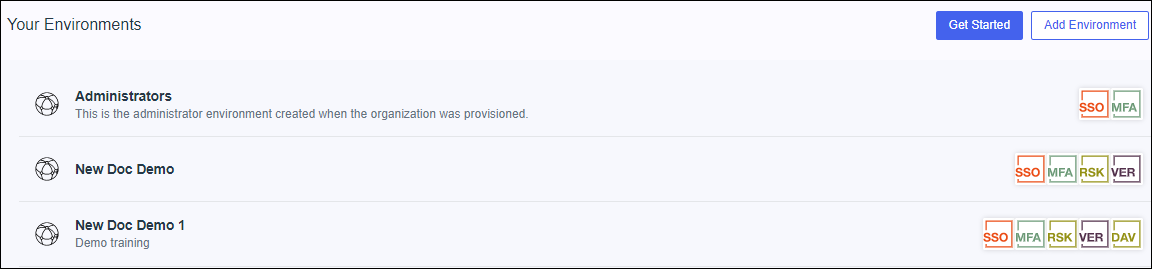
PingOne creates the new environment and returns you to the Home page.
-
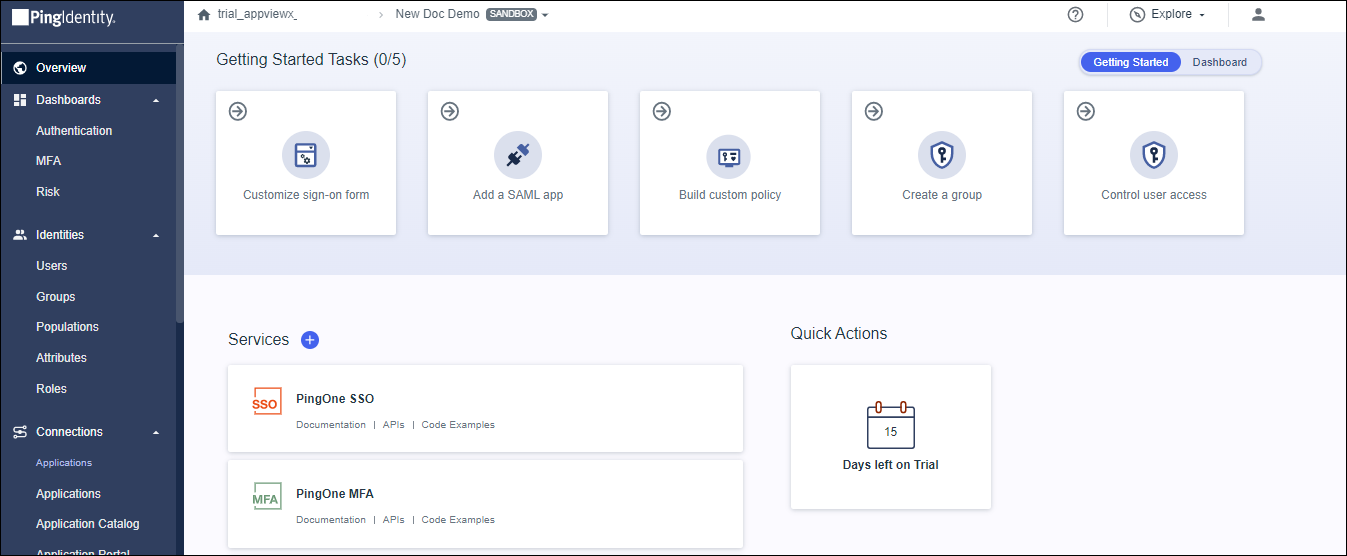
Click on the new environment to open it.
Displays the Identity provider environment setup page.