Viewing Logs
- Login to Kibana.
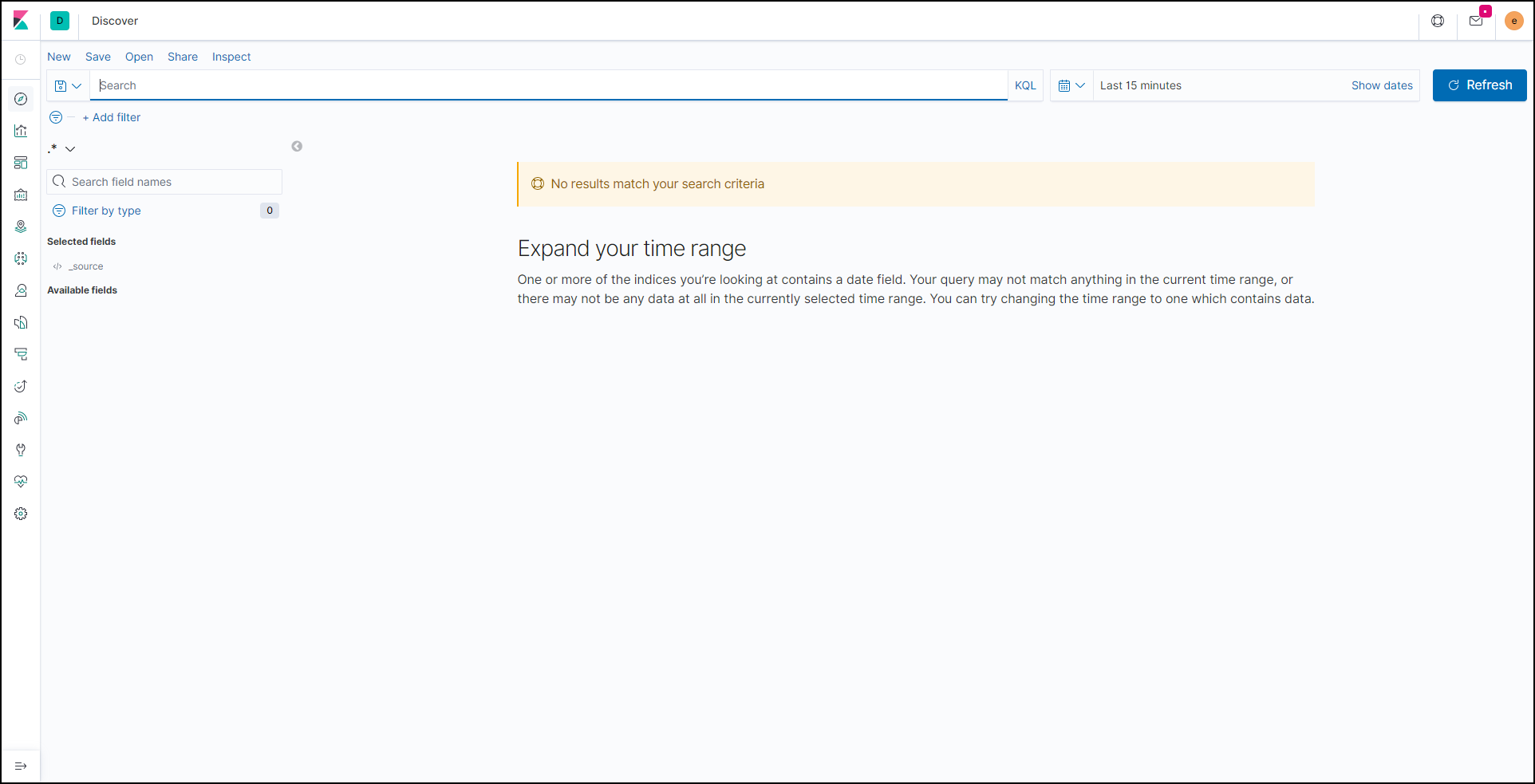
- Under Visualize and Explore Data, click Discover.
The Discover page is displayed.
- In the time frame section, select the time frame within which the logs need to be
captured.
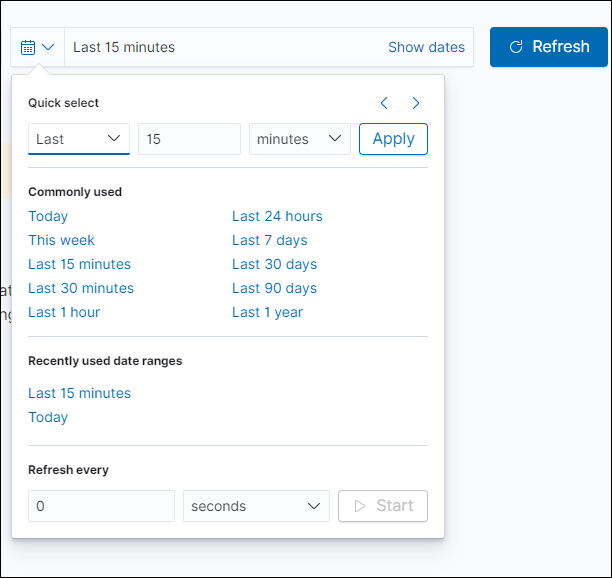
- To view the updated logs, click Refresh.
-
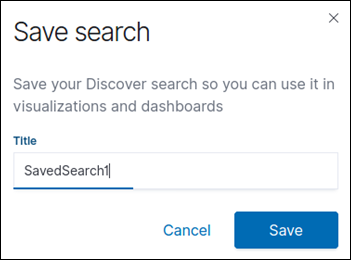
To save the search:
- Click Save.
- Enter a valid name to save the search.