Installing ELK Components
Elasticsearch, Logstash, and Kibana (ELK) provide centralized logging to identify problems in servers or applications. It allows you to search all the logs and find issues that occur in multiple servers by connecting their logs during a specific time frame. To enable log management of the present and historical CLI logs of AppViewX from a GUI, an ELK-based utility is utilized.
To install ELK:
- Download the appviewx_kubernetes_elk_2026.1.0.0.tar.gz file.
-
To extract the contents of the file, execute the following command:
tar -xvf appviewx_kubernetes_elk_2026.1.0.0.tar.gz -
Move the contents of the extracted file to
<InstallerLocation>/appviewx_kubernetes/yaml/appviewx_monitoring
directory using the command,
cp -r appviewx_monitoring/* <InstallerLocation>/appviewx_kubernetes/yaml/appviewx_monitoring - Edit the appviewx.conf file.
-
Update the following parameters with their corresponding values:
- ELK=TRUE
- /appviewx_kubernetes/yaml/appviewx_monitoring directory
- Navigate to <InstallerLocation>/appviewx_kubernetes/scripts/ directory.
-
To run the script, execute the following command:
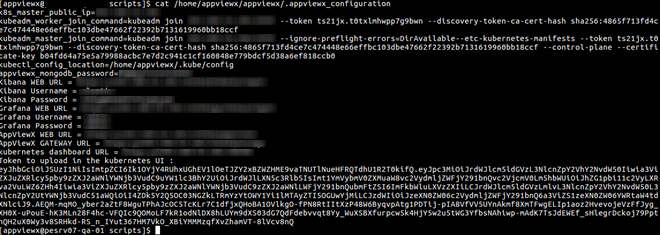
./elk_install.shYou can find the URLs to access the ELK stack in the command prompt after the installation is complete.