
Graceful Reboot Procedure
A graceful reboot ensures that AppViewX services and Kubernetes workloads remain stable and recover seamlessly after system restarts. This procedure describes the steps to safely stop services, reboot nodes, and verify that all components return to a healthy and balanced state across the cluster.
Operating system updates (such as using apt update) can be performed
without stopping application services. However, before initiating a server reboot,
follow the sequence below:
- Log in to the AppViewX worker node where the installation was originally initiated.
-
Go to the scripts directory inside the installer directory.
cd <installer_directory_path>/appviewx_kubernetes/scripts -
If the application is deployed in a single node setup:
-
Stop the application services running on the server.
./appviewx.sh --stop <nodename>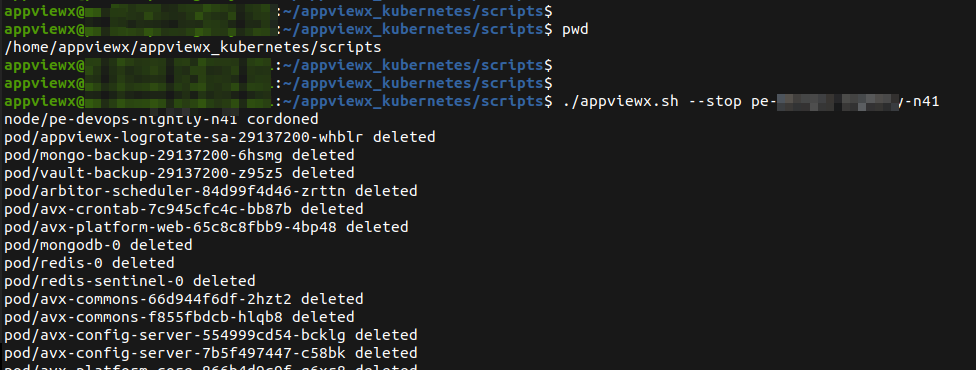
-
Stop the application services running on the server.
-
If the application is deployed in a multinode setup for high availability,
there are two approaches:
-
Stop and restart services sequentially on each node to avoid downtime
in a failover setup.
Note:
- No downtime applies only to multi-node clusters (Workers and Masters). For multi-master setups, ensure that the master nodes are load-balanced to prevent downtime.
- Run the following command sequence from the scripts directory on the installer node, starting with the worker nodes, followed by the master nodes; one server at a time.
- Stop the application
services.
./appviewx.sh --stop <nodename> - Reboot the
server.
reboot - Start all application
services.
./appviewx.sh --start <nodename>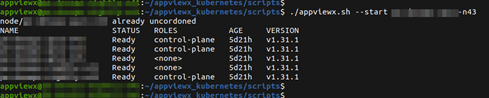
Note: Before proceeding to the next server, ensure that the restarted node is in the “Ready” state by running the following command:kubectl get nodes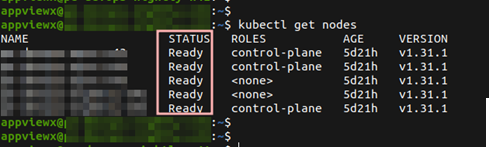
-
Stop and restart services sequentially on each node to avoid downtime
in a failover setup.
-
Maintain pods distribution on servers post reboot.
-
After the servers are rebooted, the distribution of pods across the
cluster might require realignment. Once all servers in the cluster have
been rebooted, run the following commands for all application
namespaces:
kubectl rollout restart deployment -n <namespace>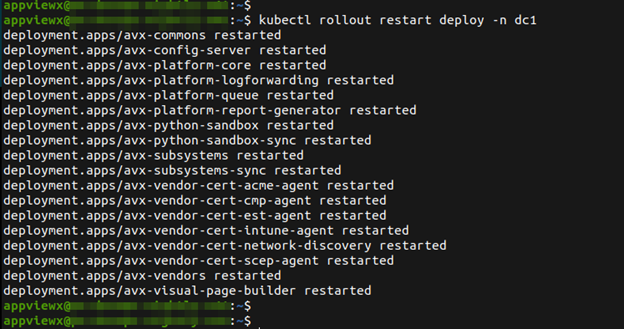
-
After the servers are rebooted, the distribution of pods across the
cluster might require realignment. Once all servers in the cluster have
been rebooted, run the following commands for all application
namespaces:
