
Executing Commands for Maintenance
AppViewX is installed based on the Kubernetes engine. We can use a few of the basic Kubernetes commands to manage the components in AppViewX. The list below contains the basic commands to manage the Kubernetes cluster.
-
View all the nodes in the cluster
kubectl get nodes
-
View all the pods of AppViewX services
kubectl get pods -n avx -o wide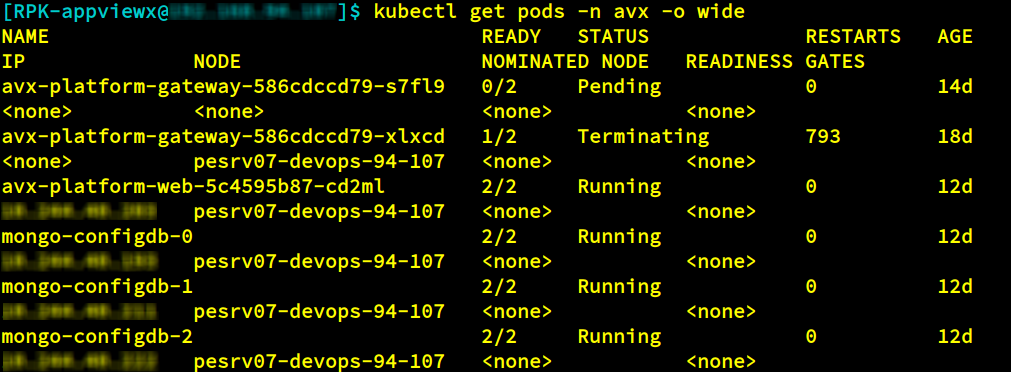
-
View all the services
kubectl get services -n avx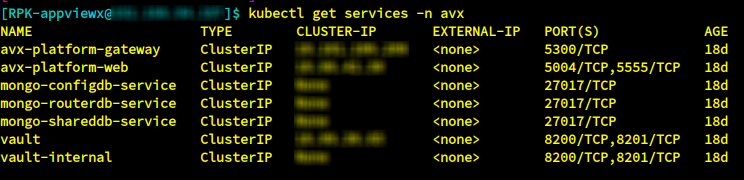
-
Log in to a particular container of the pod
kubectl exec -it avx-platform-web-5c4595b87-cd2ml -n avx /bin/sh
-
List all the namespaces
kubectl get namespaces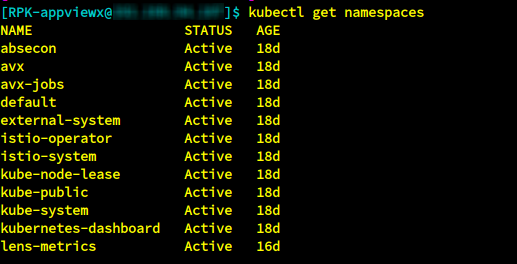
-
List all the configuration maps. This is used to view configuration related
details.
kubectl get configmaps -n avx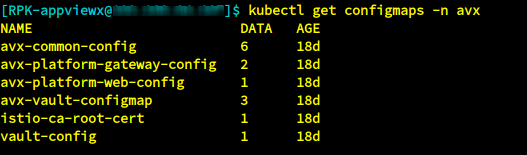
-
List all the deployments
kubectl get deployments -n avx
-
Stop a deployment
kubectl scale --replicas=0 deployment/avx-vendor-haproxy -n avx
-
Start a deployment
kubectl scale --replicas=1 deployment/avx-vendor-haproxy -n avx
-
Edit a configuration
kubectl edit configmaps -n avx avx-common-config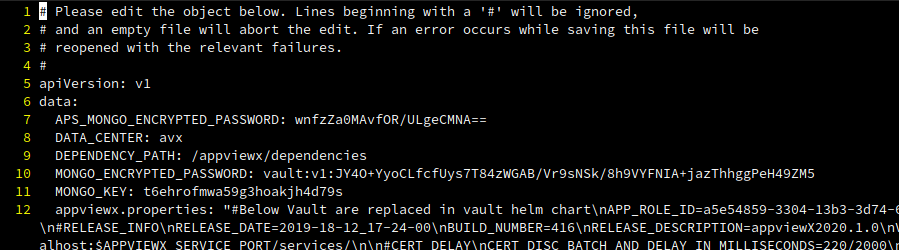
-
Describe the pods
kubectl describe pods -n avx <plugin name>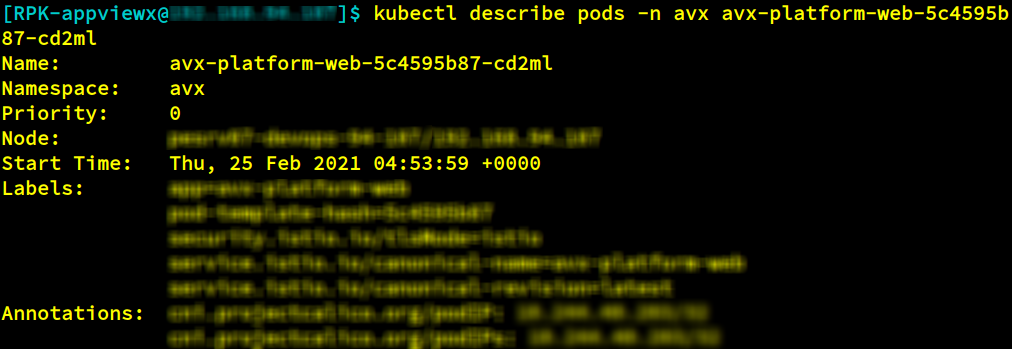
-
Log in to the database
kubectl exec -it mongo-routerdb-0 -n avx -- /bin/sh
