
Managing Logs using AppViewX Nodes
Note: Logs are
maintained as per the retention policy. Any log exceeding 30 MB will be rotated and
archived as part of the data retention policy.
To view the logs:
- Log in to the respective node.
- Navigate to the appviewx/dependencies/logs directory. You can view the CLI logs for pods in the same node.
To view the logs from the AppViewX nodes:
- Using the command line interface, log in to the AppViewX node.
- To fetch the node name in which the pod is running, execute the following
command:
kubectl get pods- n <dc> -o wide - Log in to the respective node using SSH.
- Navigate to
<INSTALLATION_PATH>/logsfor all log files.For example, If you want to view the logs for the subsystem plugin in the datacenter DC1, execute the following command to get the node name of the pod:kubectl get pods -n DC1 -o wide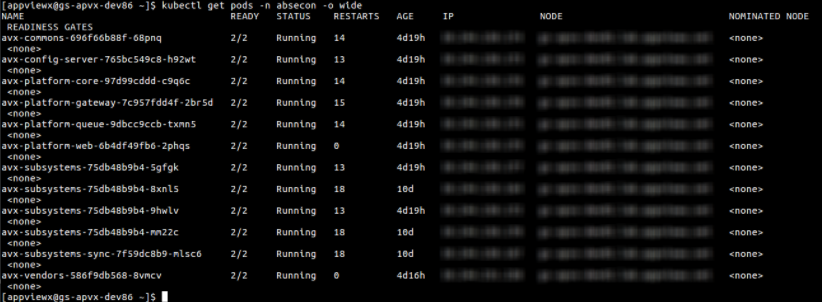
Note: For troubleshooting issues, please refer to the Troubleshooting section.
