
Generating a Report
Kibana enables you to generate a report in CSV format. In order to generate the report, you must copy the <.ndjson> ext files from the <InstallerLocation>/appviewx_kubernetes/yaml/appviewx_monitoring/kibana/deploy location and import into the import section (for example, <gateway.ndjson> and <platform.ndjson>).
- Login to Kibana.
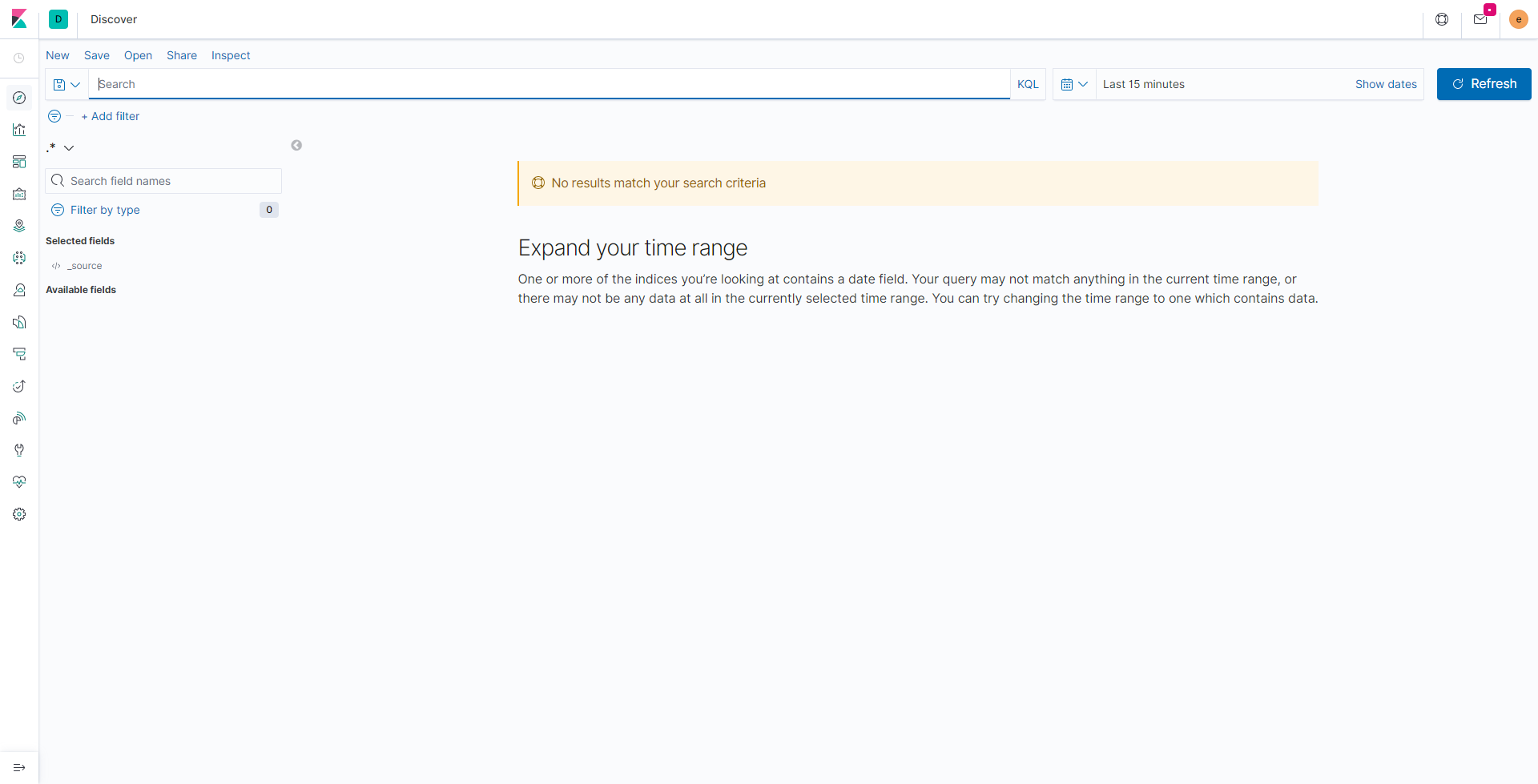
- Under Visualize and Explore Data, click Discover.
The Discover page is displayed.
-
Select Share > CSV reports > Generate CSV.
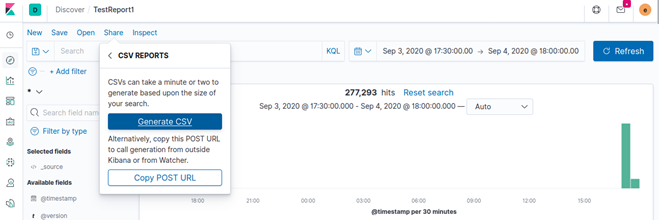 The system generates the report and prompts to download the same.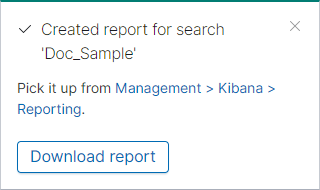
- To download the report, click Download report.
The system downloads the report to the default download location.
