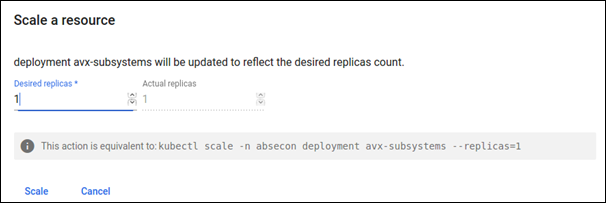
Removing a Plugin
- Log in into the kubernetes management console.
- From the top list, select the required namespace or datacenter.
- From the left pane, click Deployments.
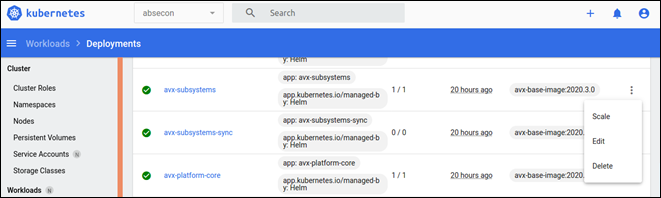
- Search for the specific deployment/plugin that needs to be stopped.
-
Against the name of the pod, click the three dots and select
Scale.
 The Scale a Resource page is displayed.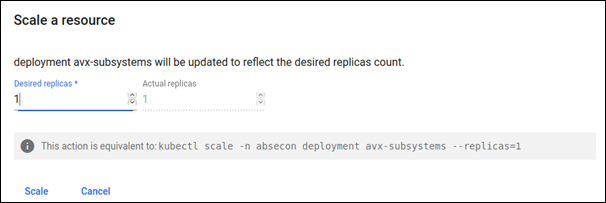
-
Set the value for Desired replicas to 0.
This will delete all the pods and does not spin any new pod for that plugin.