
Configuring RBAC for User Inputs
- Navigate to Workflow > Store in AppViewX's Automation module.
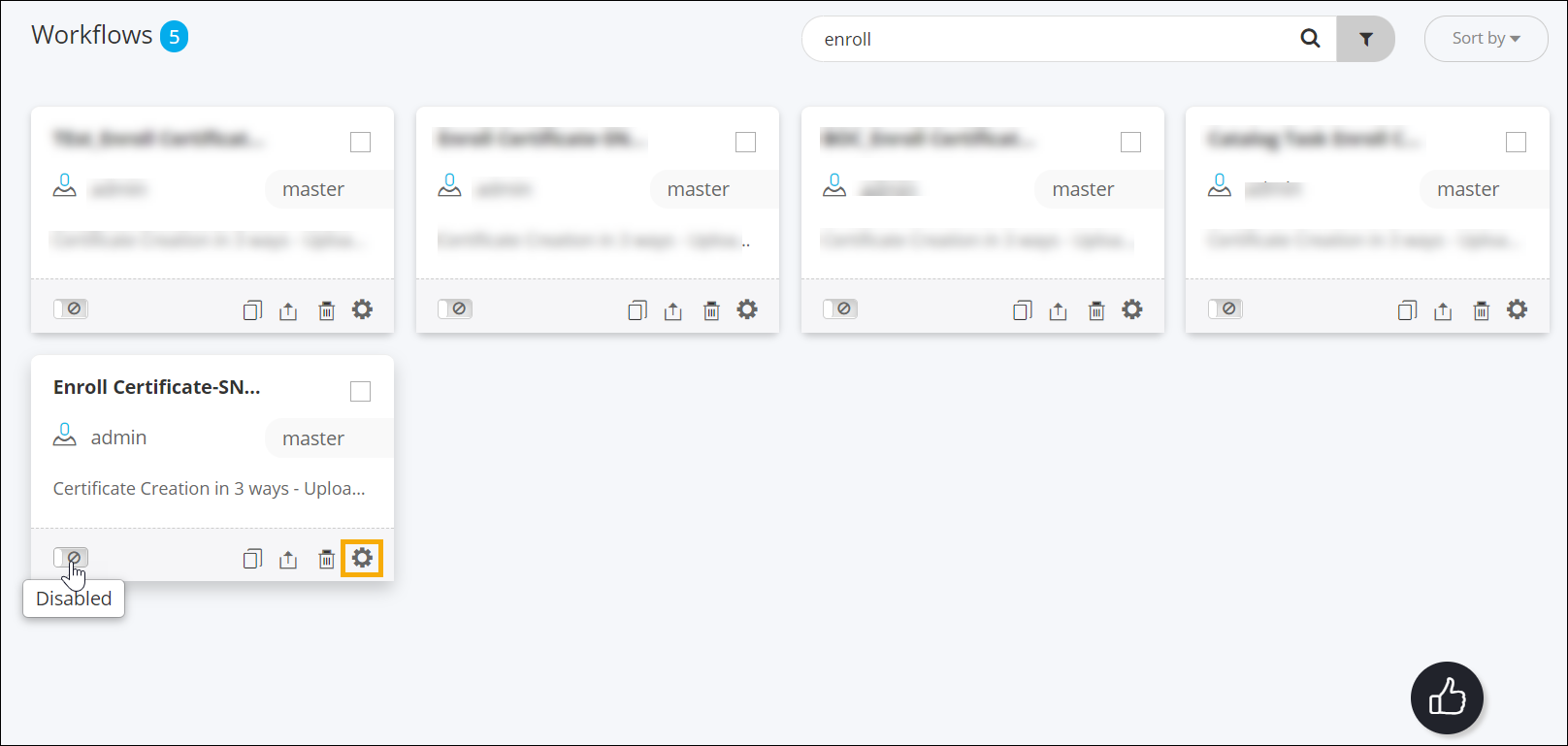
- On the Store page, search for the Enroll Certificate-SNOW APP workflow.
- Before configuring the RBAC settings for the workflow, disable it.
-
Hover the mouse over the workflow name, and then click
 .
.
-
From the bottom right corner of the card, click .
- In the Settings pop-up window that is displayed, click on the RBAC tab.
-
Under the RBAC tab, for User Inputs, select S for the
resource created.
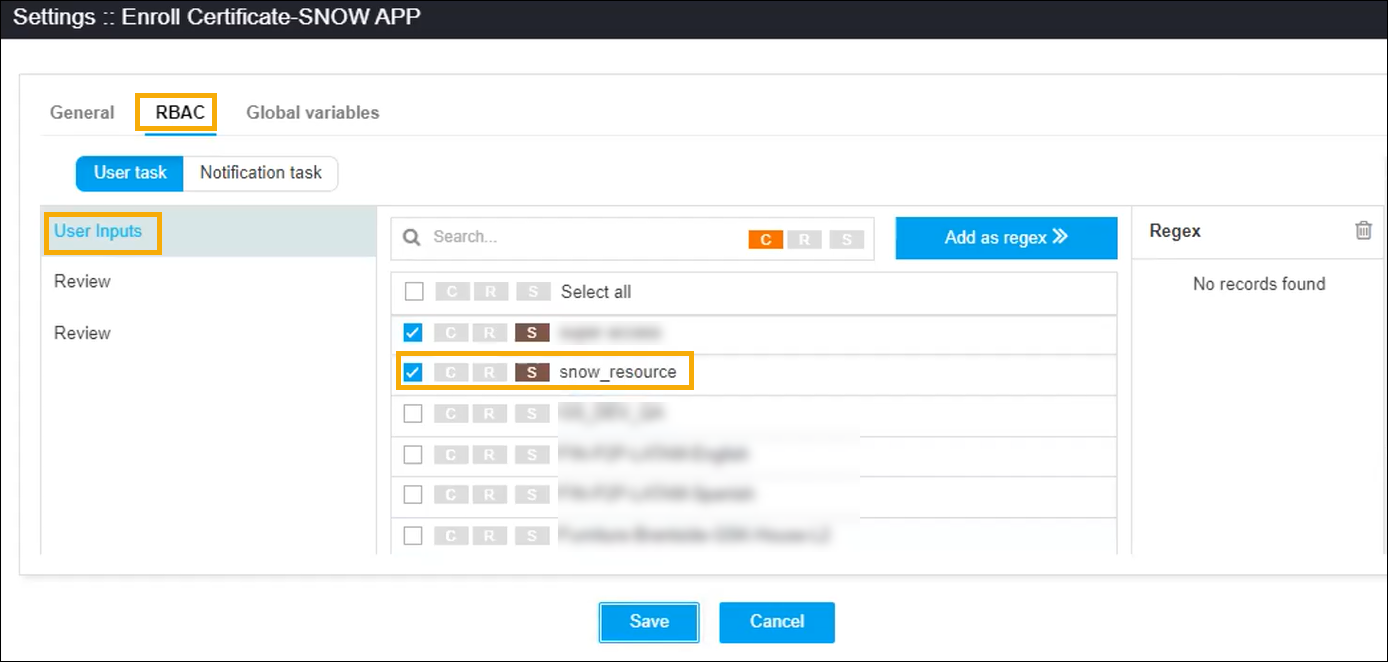 The resource will now have the permission to submit user inputs for the workflow.
 -
Repeat this process for the following workflows as well:
- Renew Certificate-SNOW APP
- Revoke Certificate-SNOW APP
- certificate_new_request
- certificate_renew_request
- certificate_revoke_request
