Installing the AppViewX Plugin
- Open the ServiceNow Store web page and search for the application by typing AppViewX in the search bar.
- On the Search results page, click on the app.
-
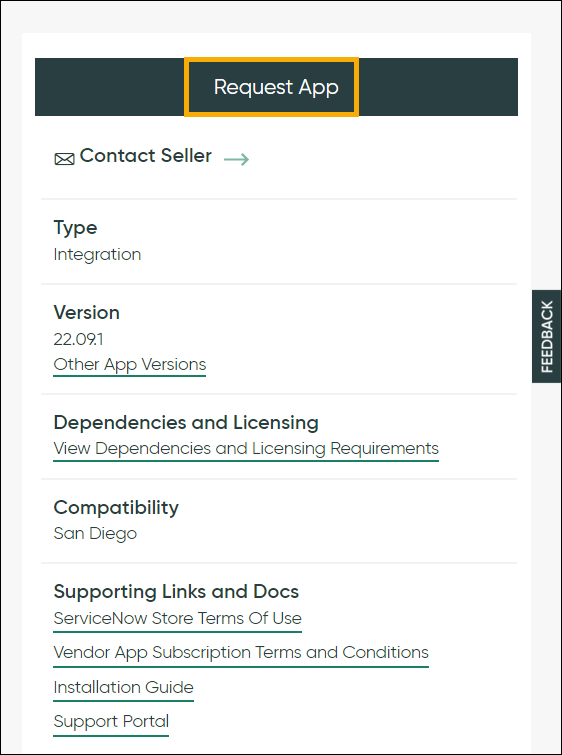
To install the app, on the app page, click Request App.