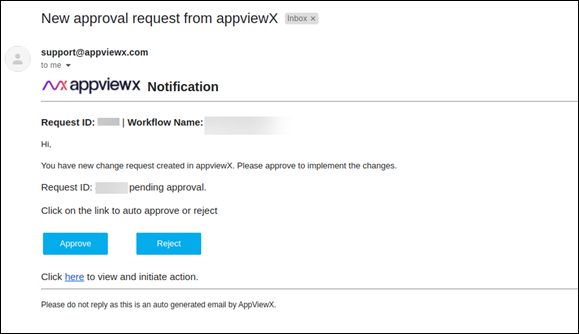
Triggering an Email Notification with Approvals 
- Design a new workflow.
- From the FAQs section drag and drop the > Email with approval workflow.
- Double-click on the workflow to see the tasks within the workflow.
- Click on the Approval Via Email task in the workflow.
-
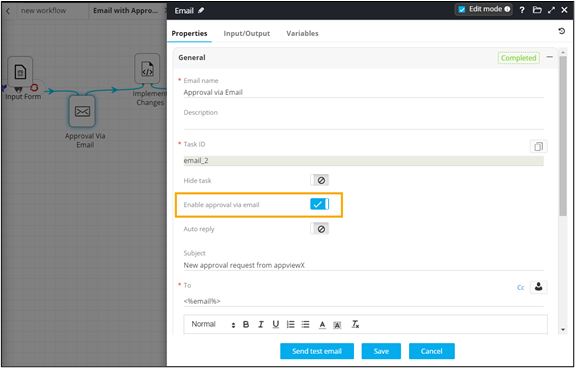
In the Email task window, under
Properties, in the General
section, turn on the Enable approval via email toggle.
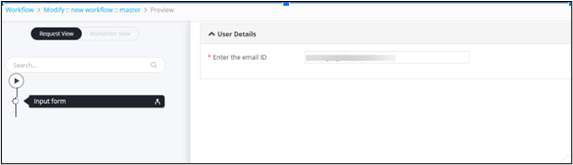
- Click Preview.
-
Enter the email ID in the user input form.
 Approval email notification received via email.