Task Category - User Interface
This category comprises tasks that require a certain amount of user
intervention.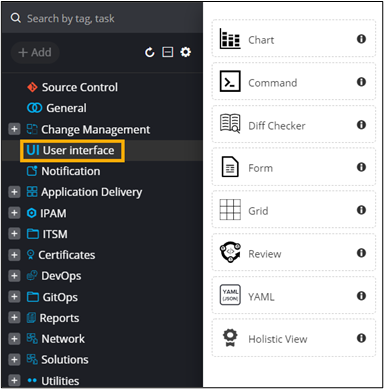
Access levels for Resources
The user interface (UI) palettes can be configured for user groups or
individual users to have the following access levels
- V - View: Users with View permission can view the
task and will not be allowed to submit it. Note: “View” is not applicable for the form task.
- R - Review: Users with Review permission can view a particular user interface task and submit it, but they cannot make any changes to the request generated.
- RW - Read Write: Users with Read Write permission can modify the particular user interface task and submit it.
To configure the resource access,
- Design a workflow.
- From the General section, drag and drop the Form task.
- Add the required form fields as shown here.
- From the User Interface section, drag and drop the Grid task.
- In the Grid task window, under Properties, in the Configuration section, configure the Columns for the grid.
- In the Grid task window, under Resource, define the permissions V, R, RW.
- Connect the workflow tasks and from the menu on the top, click Preview.
Use case: When a resource is assigned a view permission , they will not be allowed to submit or cancel the request.
In the below grid task , vwresource1 is given only view
permission. 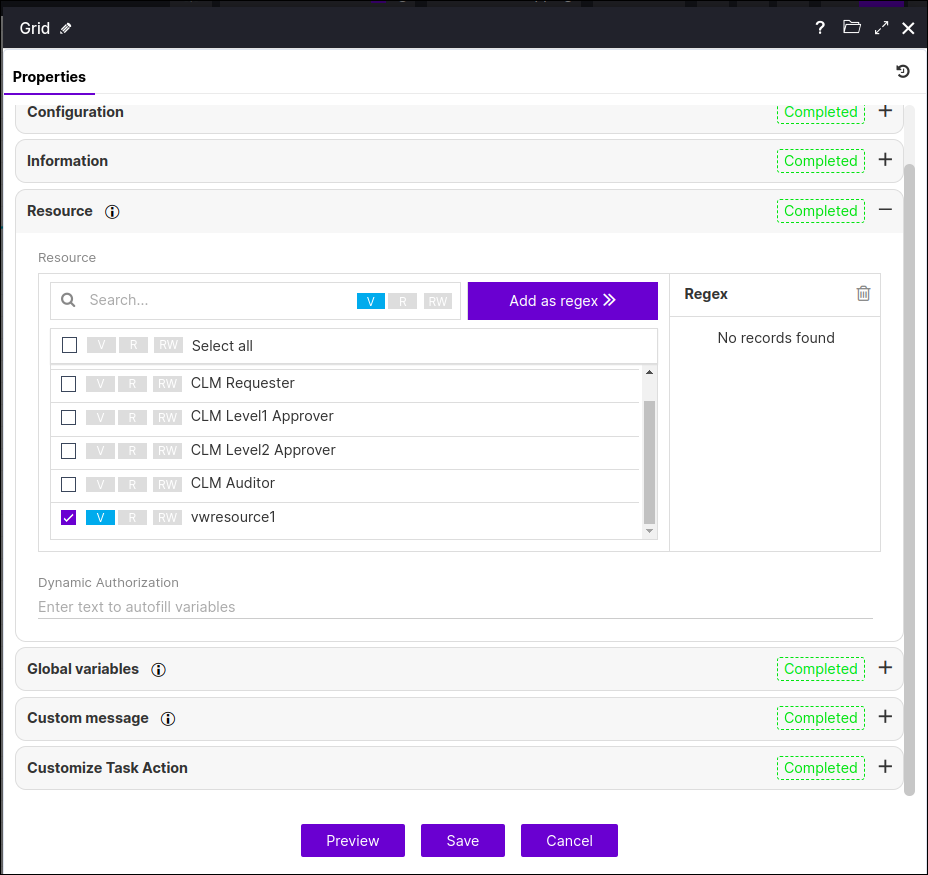
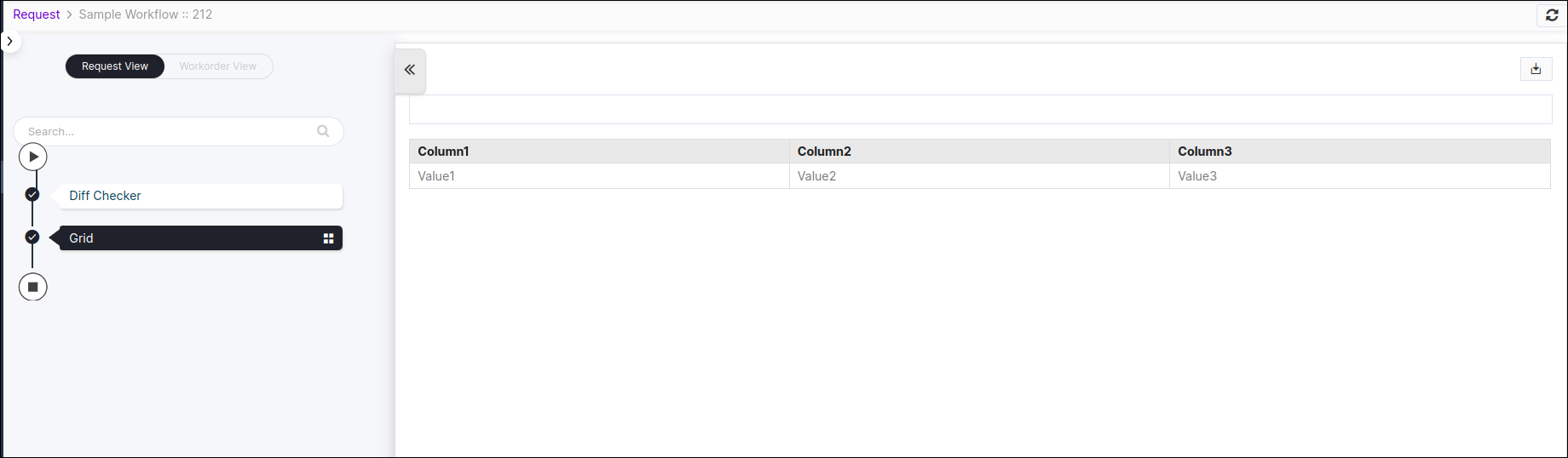
When executing the request with above grid task , users will not be able
to submit that grid task, but only view the request.