
Task Category - Change Management 
To create a workflow with ServiceNow tasks:
- Design a workflow.
-
In the design workspace, under the Change Management folder in
the left menu, from the CHANGE folder, drag and drop the Create
task.
Note: Timestamp must be in milliseconds.
-
In the Create task window, under Properties, in the Global
variables section, declare the necessary global variables.
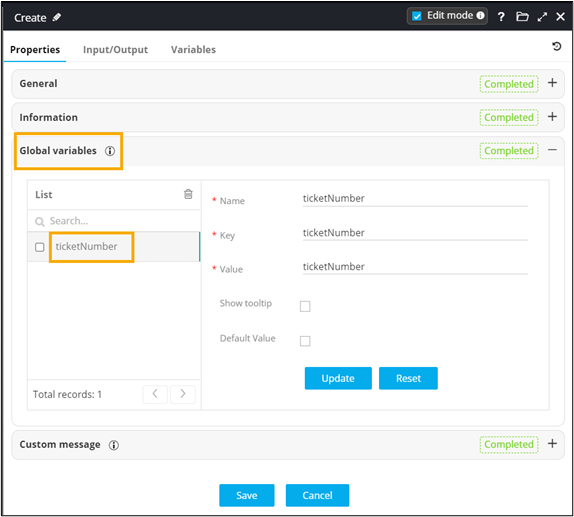
- From the CHANGE folder, drag and drop the Get task.
- In the Get task window, under Properties, pass the global variable declared in the previous task.
- Connect the workflow tasks and enable the workflow.
-
Trigger the workflow.
Workflow is executed successfully.
