
Enabling a Workflow in Design Mode 
-
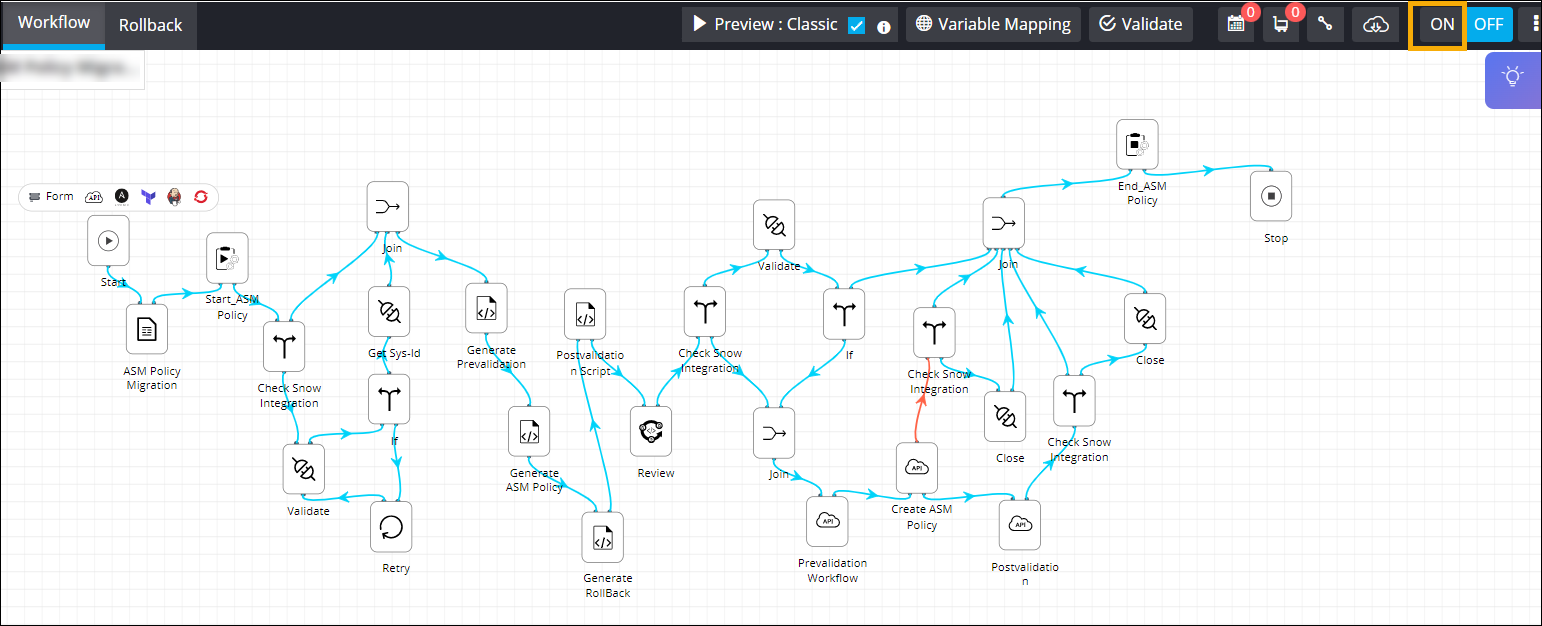
In the workflow design space, from the right upper corner of the
screen, click ON.
-
In the Confirmation pop-up window, click Validate & Enable.
Note: For more information on validating a workflow, click here.The workflow is enabled.Important: You cannot modify a workflow when it is in enabled state.
