
Customizing Email Notification 
- Design a workflow.
-
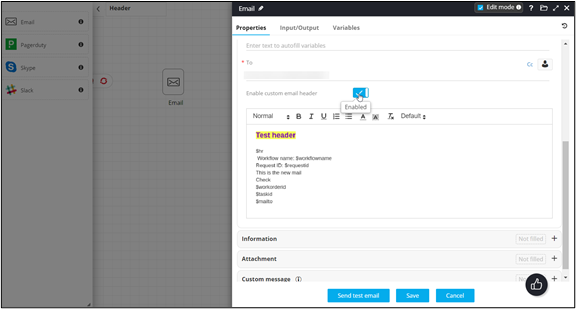
In the Email task, to Enable custom email header,
turn on the toggle.
-
To attach the default variables (Horizontal Line, Workflow Name, Request ID),
click Default and select the variable from the
dropdown.
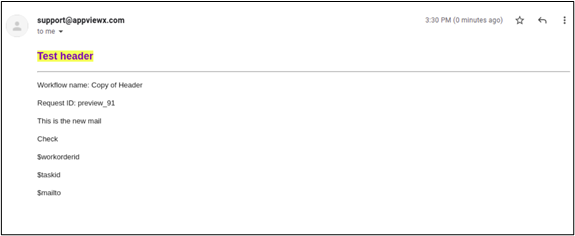
Custom email notification received.
 Note: When the Enable custom email header toggle is disabled, the email content will display
 as the
header.
as the
header.
