Pagerduty 
- Provision to drag and drop the Pagerduty Task from the notification section.
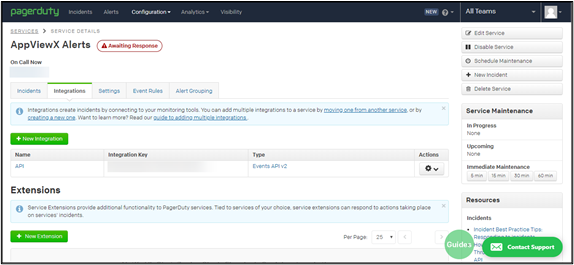
- Provision to define custom webhook/URL, method in order to trigger notification.
- Provision to refer global variables and embed them as part of the payload.
To trigger alarm notifications through Pagerduty:
- Design a workflow.
- Drag & drop relevant workflow task(s).
- Double click on the Pagerduty task.
-
In the Pagerduty task window, under
Properties, enter or select the field information as
shown.
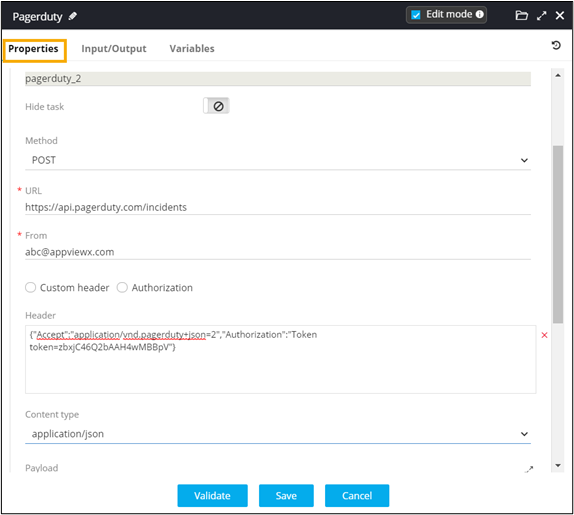
- Enter the intended payload, with global variable(s) if any.
- Connect the workflow tasks and enable the workflow.
-
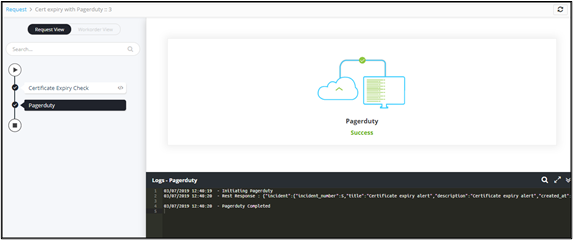
Trigger the workflow from the Request ::
View/Run page.
Workflow is executed successfully.
-
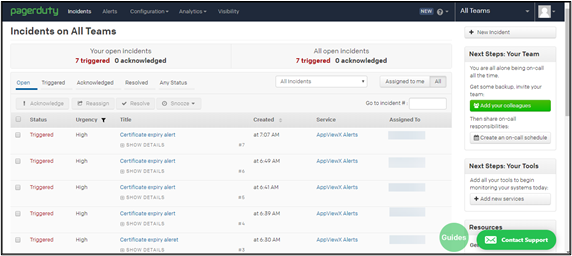
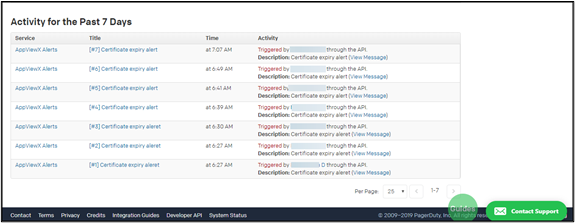
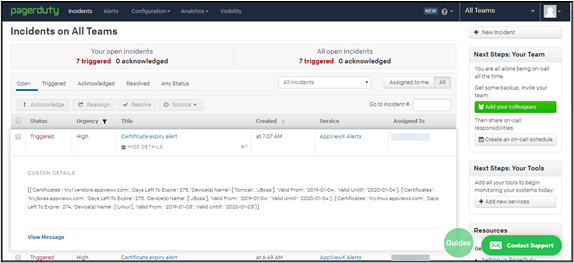
To view all Incidents on Pagerduty, log into your account using valid
credentials.