
Skype 
- Provision to drag and drop the Skype task from the Notification section.
- Provision to define custom webhook, method in order to trigger Skype notification.
- Provision to refer global variables and embed them as part of the payload.
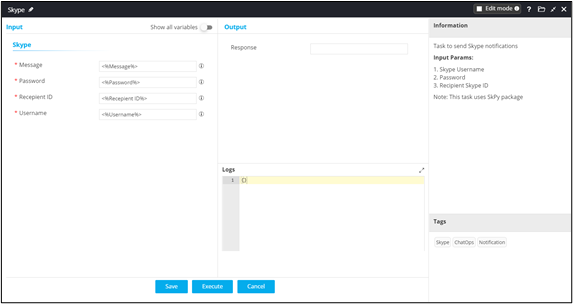
To send a notification through Skype:
- Design a new workflow.
- From the User Interface section, drag and drop the Form task.
-
Define the relevant form fields as shown here.
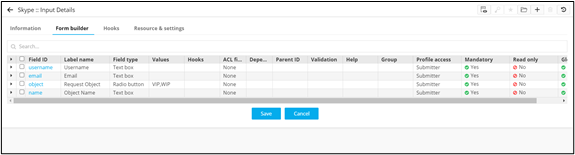 Note: For more information on adding form fields, click here.
 - From the Notification section, drag and drop the Skype task.
-
In the Skype task window, define the input parameters to send Skype
notification to the recipient.
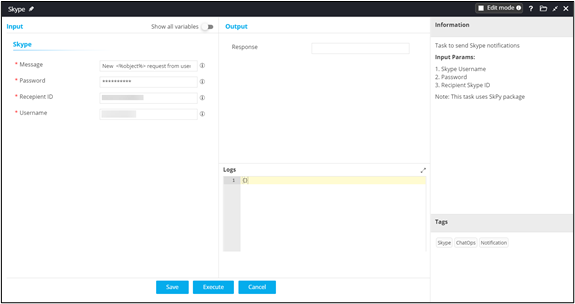
- Connect the workflow tasks and enable the workflow.
- Trigger the workflow to receive Skype notification.
