Restore MongoDB and Vault
MongoDB Restore
-
Navigate to the scripts folder using the command below.
cd <appviewx-kubernetes-path>/scripts -
Execute the script to restore the backup file using the command
below.
/bin/bash mongo_restore.sh <appviewx-kubernetes-path>/mongo_backup/<mongo-backup-file>Example
/bin/bash mongo_restore.sh /home/appviewx/<release_label>/appviewx_kubernetes/mongo_backup/mongo_backup_Wed_May_10_02_27_59_EDT_2023.tar.gz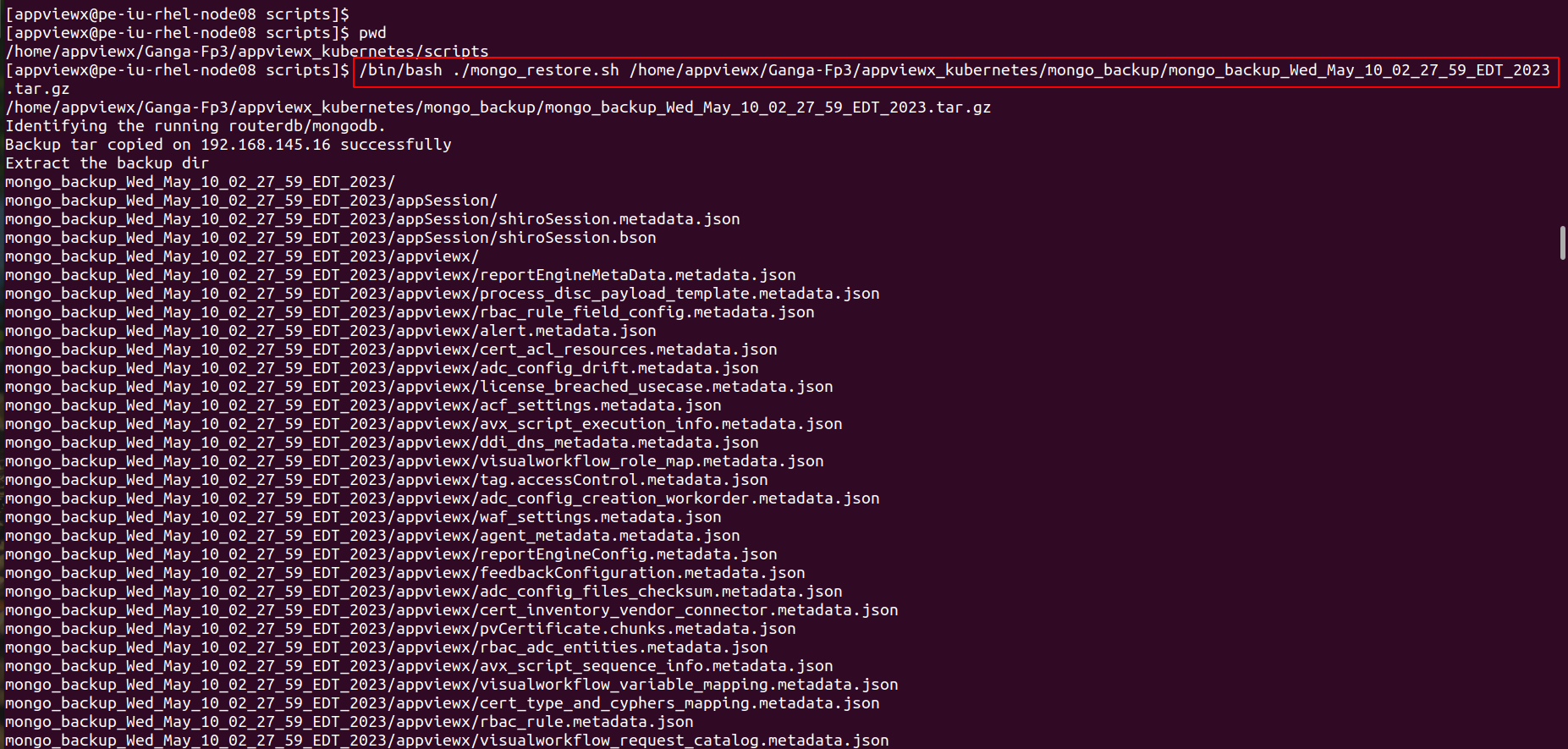

Vault Restore
-
Navigate to the scripts folder using the command below.
cd <appviewx-kubernetes-path>/scripts -
Execute the script to restore the backup file using the command
below.
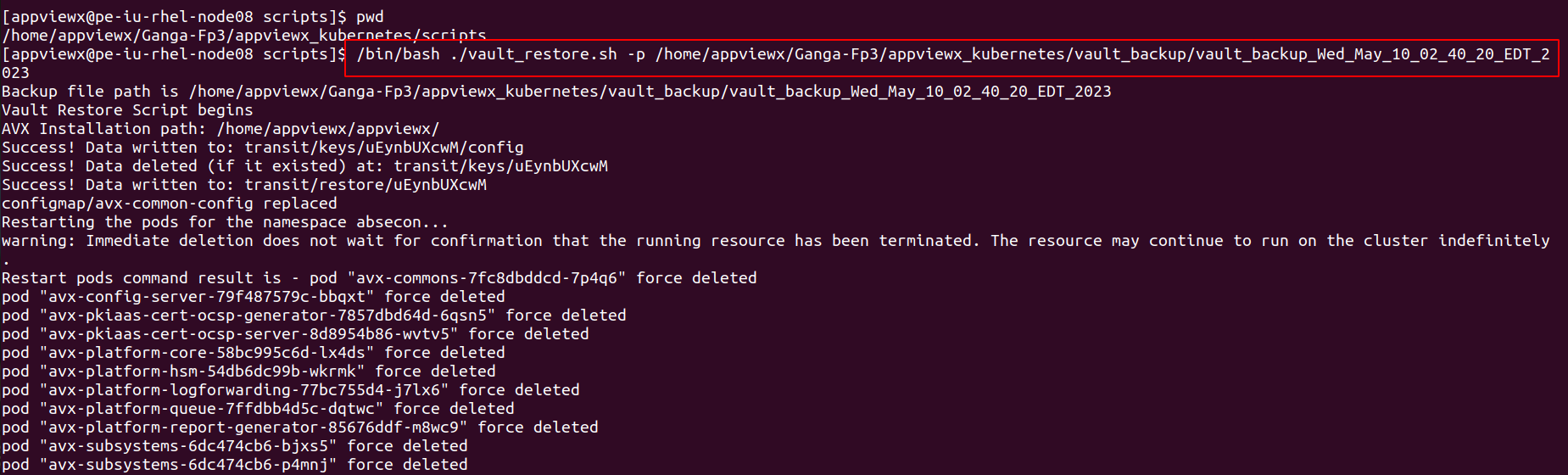
/bin/bash vault_restore.sh -p <appviewx-kubernetes-path>/vault_backup/<vault-backup-file>Example
/bin/bash vault_restore.sh -p /home/appviewx/<release_label>/appviewx_kubernetes/vault_backup/vault_backup_Wed_May_10_02_40_20_EDT_2023