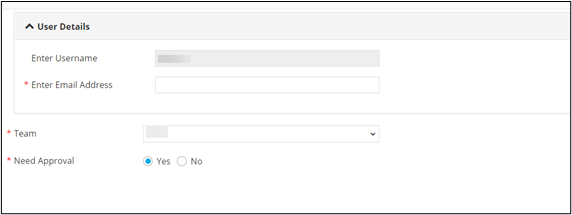
Grouping Multiple Form Fields 
- Design a workflow.
- From the User Interface section, drag and drop a Form task.
- Under Form builder, select the form fields to be grouped.
-
To group the selected form fields, from the top right corner of the
screen, click
 (Folder) icon.
-
To create a new group, in the Assign to group window,
click
 (Add) icon and enter the group name.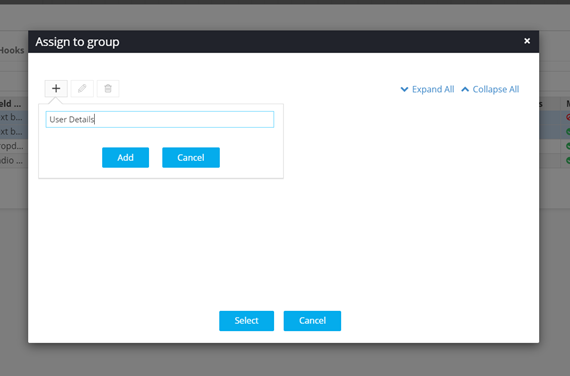
-
To see the form fields listed under the assigned group, from the top right
corner of the scree, click
 (View) icon.