
Defining Resource & Settings 
This section supports the following:
- Request resources: Provision to assign role
based access to the form task.
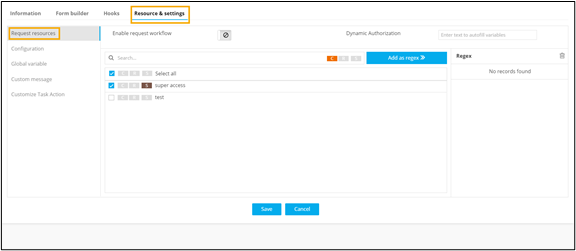
When trying to add the regex "*", a validation error will be triggered, resulting in the disabling of the "Add as regex" option.
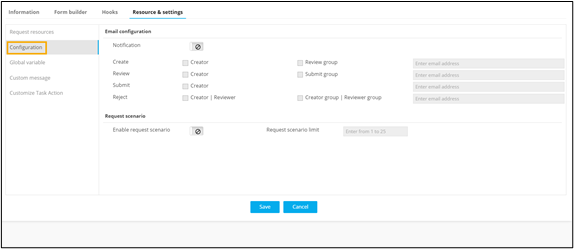
- Configuration: Provision to enable multiple approvals of
the form task.
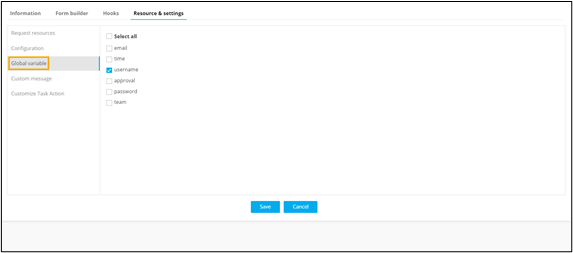
- Global variable: Provision to declare one or more form
field values as global variables.
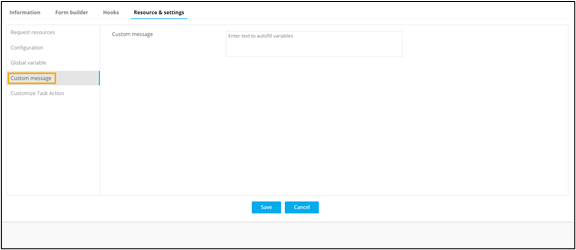
- Custom Message: Provision to define context based
messages for notifications between workflow stages. For example, User access
denied.
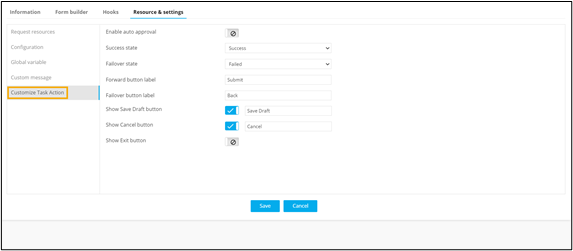
- Customize Task Action: Provision to enable auto approval
of the form task, provide an ‘alias’ of the form actions. For example, the
‘Submit’ button can be renamed to ‘Next’, ‘Back’ button can be renamed to
'Cancel’.
- Dynamic Authorization: Provision to enable authorization
dynamically for users or user groups by using the global variable
%<auth>%.New users/user groups must be defined in the script logic using the following structure:[{"type":"user","value":["admin","tim"],"access":"R"}, {"type":"role","value":["admin","network-sre"],"access":"RW"}, {"type":"usergroup","value":["admin usergroup"],"access":"RW"}]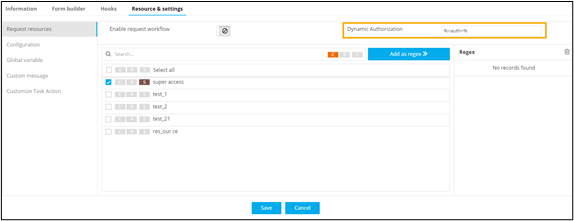
Note: Dynamic Authorization is not limited to the Form task.
It can be enabled for all User Interface tasks.
