
Out of the box Forms 
To use an OOB form:
- Design a workflow.
- From the User Interface section, drag and drop the Form task.
-
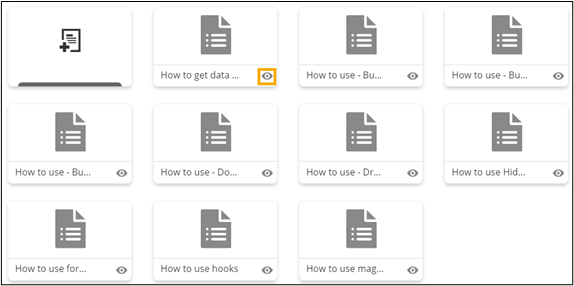
In the Gallery window, to preview the form, click
 (View) icon on any of the forms.
  A preview of the form is displayed.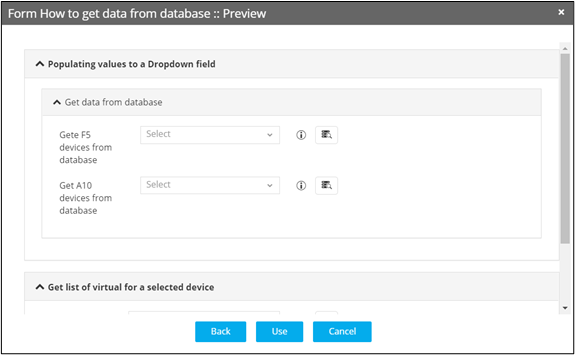
- To use this form, click Use.
- To go back and preview another form, click Back.
