
Defining Tasks as Read Only 
- Design a workflow.
- From the User Interface section, drag and drop a Form task.
-
To add form fields, click
 (Add) icon in the command bar.
-
In the Field properties window, enter or
select the field information to define the form field.
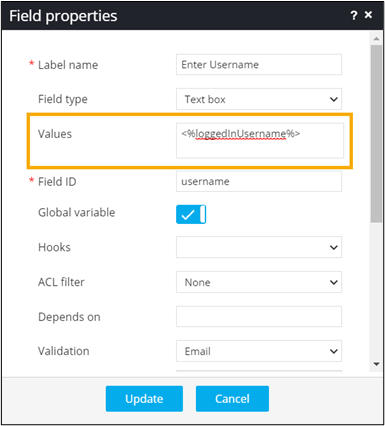
- To define the field as Read only, turn on the toggle.
-
To see the Read only username field added to the form, from the top right
corner of the screen, click
 (View) icon.
