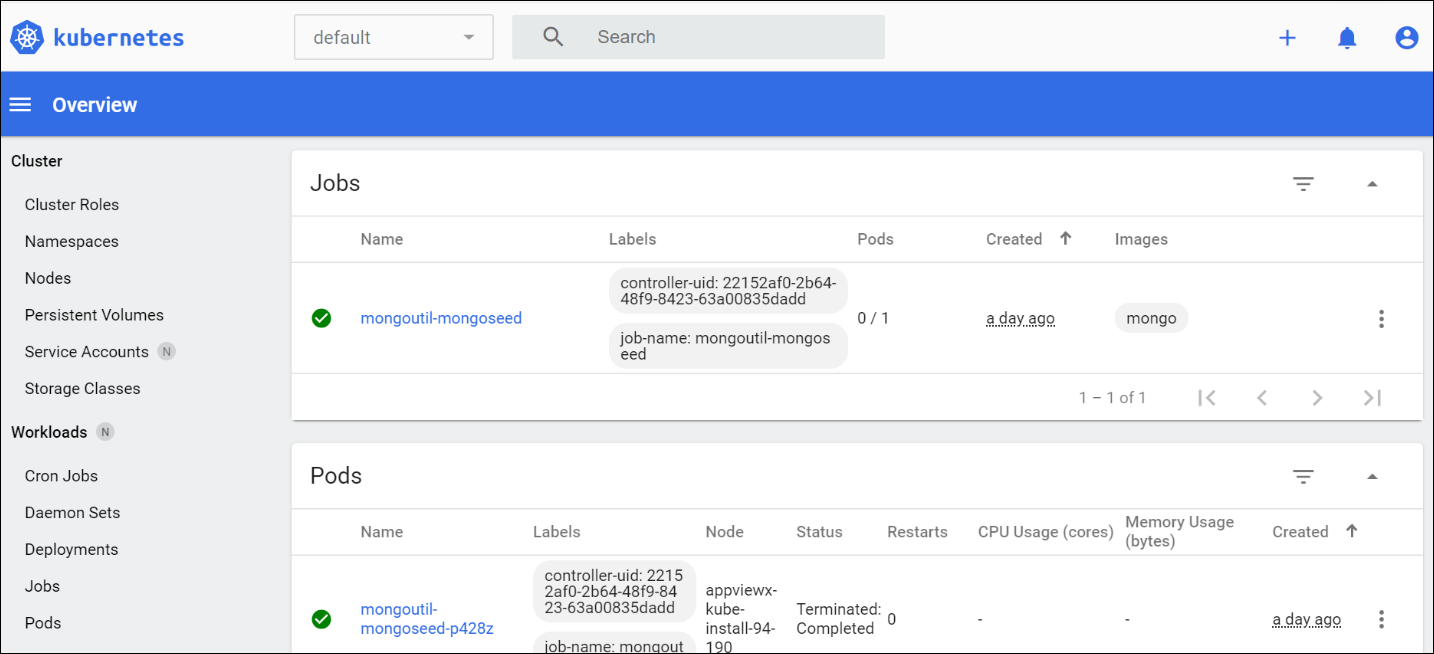
Accessing the Management Console
- Navigate to the installation directory.
-
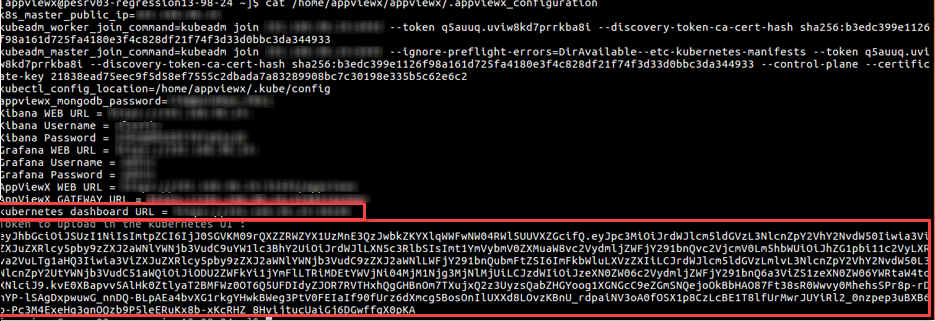
Open the .appviewx_configuration file.
For example: cat/home/appviewx/appviewx/.appviewx_configuration
-
Search for Kubernetes dashboard URL and copy the URL to a web
browser.
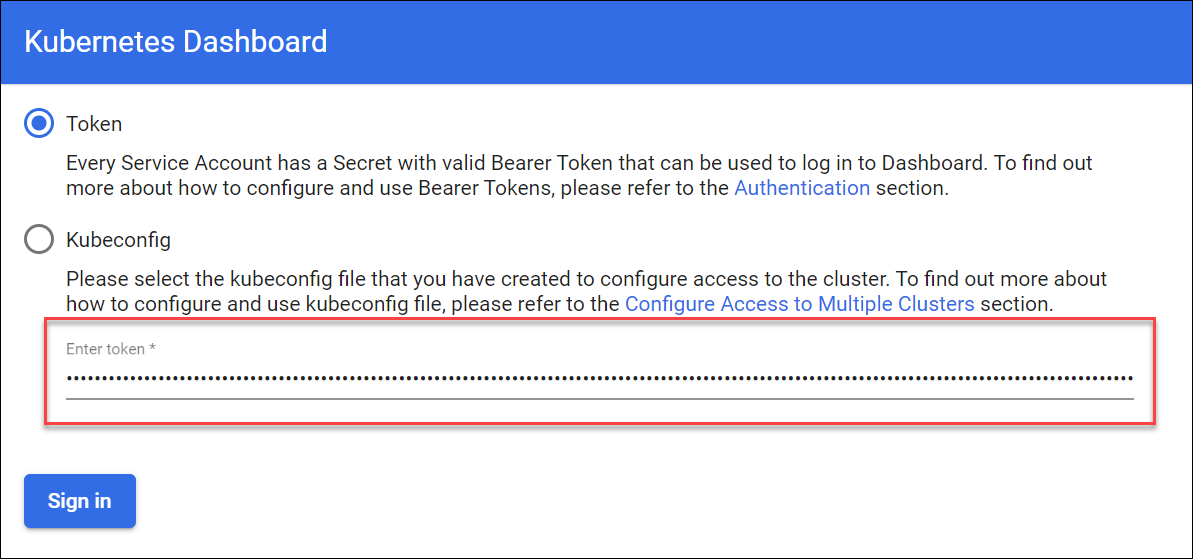
- On the Kubernetes Dashboard login screen, enter the token value
- Click Sign In.
Note: You can find the token value from the .appviewx_configuration file.
 After you log in, you can access the Kubernetes management console and manage AppViewX components.