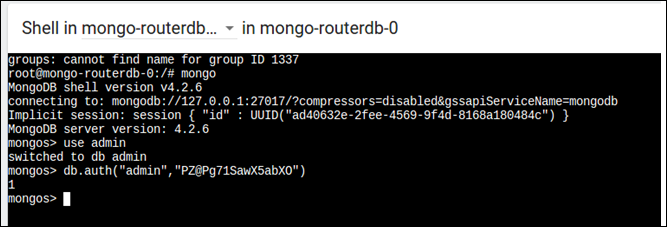
Accessing the Database Command Line
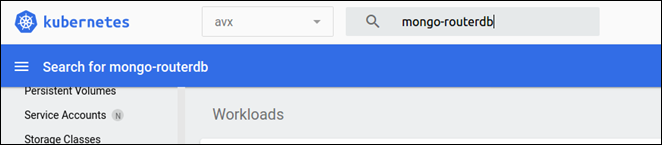
- Open the Kubernetes management console.
- Select avx in the namespace.
-
Search for mongo-routerdb.
-
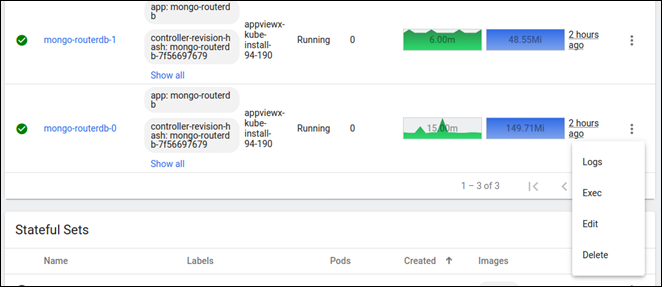
Click on the three dots next to mongo-routerdb-0 pod and select
Exec.
- To launch the mongo db prompt, execute the following command:
<mongo> -
Execute the following command:
<use admin> -
Execute the following command:
db.auth("admin","<mongodbpasssword>")Note: The password can be taken from the value of theappviewx_mongodb_passwordvariable from the<INSTALLATION_PATH>/.appviewx_configurationfile.