
Step 1: Generate a bootstrap token in AppViewX AIS
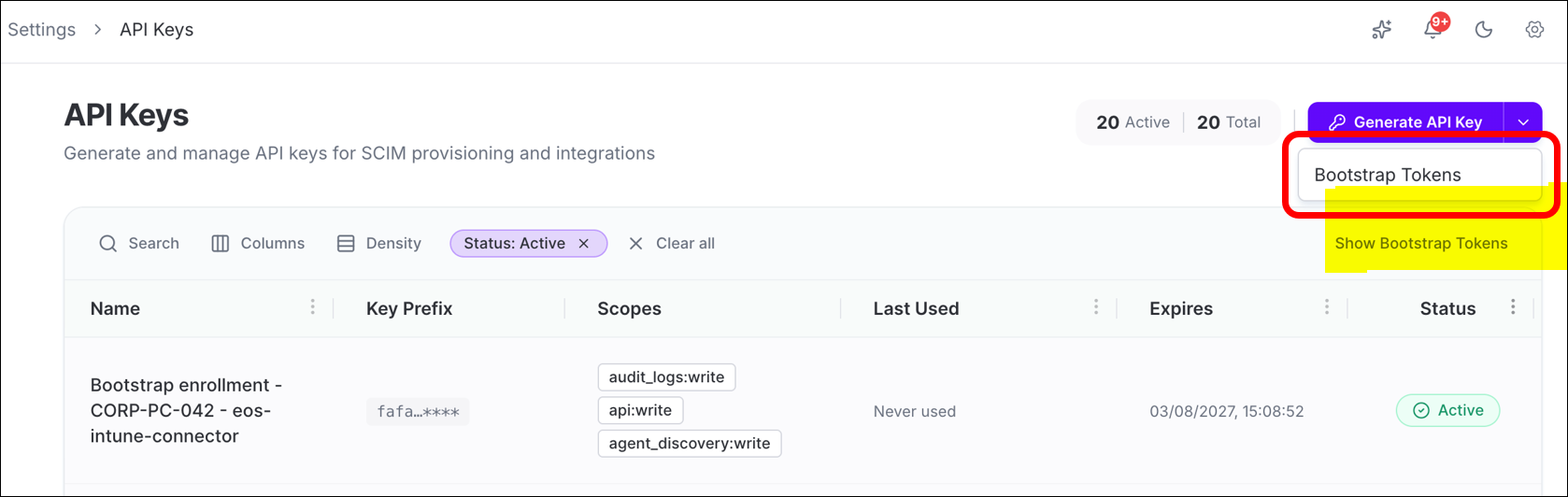
- Go to the Settings page in the AIS Platform.
- Navigate to the API Keys section.
-
Select Generate Bootstrap Token.
-
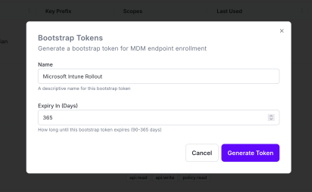
Create a bootstrap token.
-
Copy and securely store the generated bootstrap token.
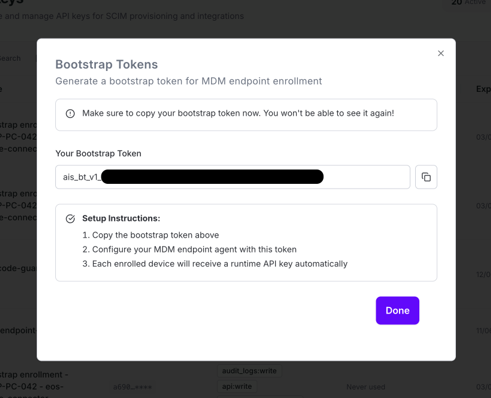 Important: You will need this token when configuring the installation command in Step 2.2. Store it securely do not embed it in shared scripts or source control.
