
Getting Started
Getting started with Agent Identity Security begins with accessing your deployment, setting up access for your team, and connecting the environments where AI agents operate.
1. Understand Your Deployment
Agent Identity Security can be deployed based on your organization's deployment requirements.
SaaS Deployment
With the SaaS deployment, AppViewX provisions the Agent Identity Security tenant for your organization.
The designated administrator receives an invitation email with instructions to access the tenant. Use the invitation to sign in and complete your initial access.
Self-Hosted Deployment
Agent Identity Security can also be deployed within your organization's environment.
Complete the self-hosted deployment before proceeding with the product configuration steps in this guide.
Learn more: Self-Hosted Deployment
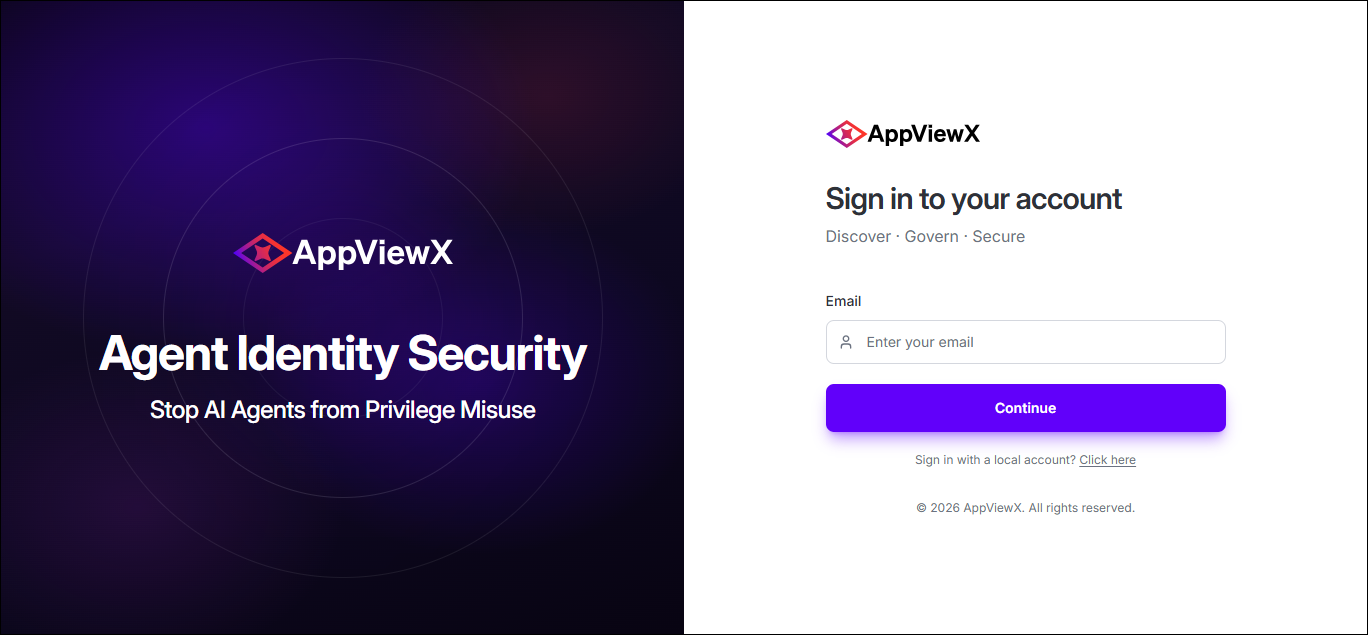
2. Sign In to Agent Identity Security
Once your Agent Identity Security environment is available, sign in using the access method configured for your organization.
3. Add Users and Assign Roles
Add the users who need access to Agent Identity Security and assign the appropriate roles based on their responsibilities.
Roles determine which areas of Agent Identity Security users can access and the actions they can perform.
- Get started: Users & Roles
- Learn more: Roles
4. Configure SSO
Configure Single Sign-On (SSO) to allow users to authenticate to Agent Identity Security through your organization's identity provider.
Complete the identity configuration appropriate for your organization's SSO environment.
- Get started: SSO & Identity
5. Connect Your Environment and Discover Agents
Connect Agent Identity Security to the environments where your AI agents operate. The integrations you configure determine the supported sources from which agents can be discovered and brought into the Agent Identity Security inventory.
Depending on your environment, you can discover agents through supported:
- Coding agent integrations
- Enterprise AI and SaaS platforms
- Custom agents using the Agent Identity Security SDK
- Endpoint-based discovery
Choose the discovery methods and integrations that match your environment. As agents are discovered, they become available in Agent Identity Security for visibility, investigation, governance, and security.
Use Agents to review discovered agents and their available identity, ownership, access, posture, risk, and associated resource information.
Get started: Agent Discovery
What's Next?
Once agents are being discovered, continue exploring Agent Identity Security based on your objectives:
