Get Unused LTM VIP and Notify
This workflow fetches the report of VIPs that are unused for ‘n’ number of days.
To run this workflow:- Go to Menu > ADC+ > AUTOMATION > Workflow Catalog > View/Run
- Click the F5 BIG-IP LTM category on the View/Run Workflows page.
-
On the popup window, hover the mouse over the Get Unused
LTM VIP and Notify workflow.
The Run and Schedule buttons are displayed.
-
Click
 .
The Request > Get Unused LTM VIP and Notify :: FormBuilder page is displayed.
.
The Request > Get Unused LTM VIP and Notify :: FormBuilder page is displayed. - Under Device Details, select the Device Name, and enter the No of Days.
-
Click Submit.
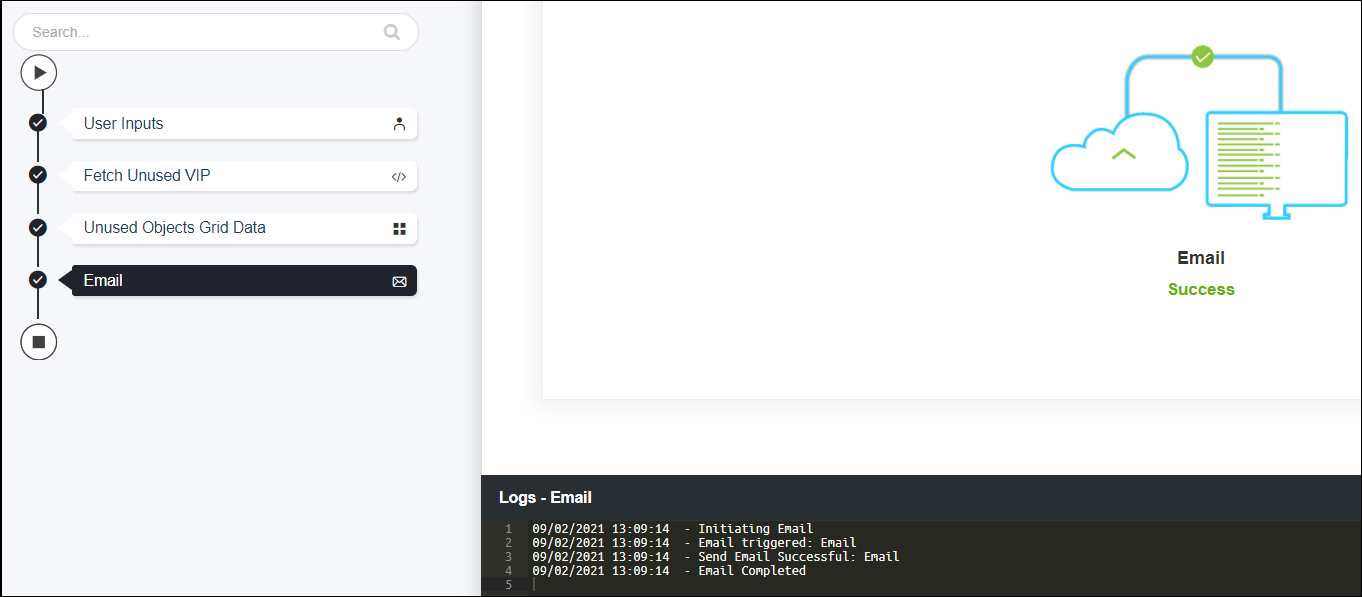
The fetching process is automatically.The unused LTM VIP for the given days is fetched and sent reports via configured email addresses.