
Understanding the HSM Health Check and Sync Status Functionalities
To ensure the proper functioning of the HSM, a health check of the HSM is scheduled to occur every hour after the encryption of AppViewX's MEK is enabled. If the HSM is deemed unhealthy for three consecutive checks, the plaintext MEK will be purged from AppViewX's in-memory cache, failing most system functions. The affected use cases are listed here .
The HSM is considered unhealthy:
- If the Master Encryption Key has been removed
or
- The HSM credentials have been changed and not updated in AppViewX.
In addition to the regular health checks, AppViewX provides an option in the GUI to
manually initiate a health check. If the user selects to sync their HSM and the HSM is
found to be unhealthy, the MEK stored in AppViewX's cache will be immediately
purged.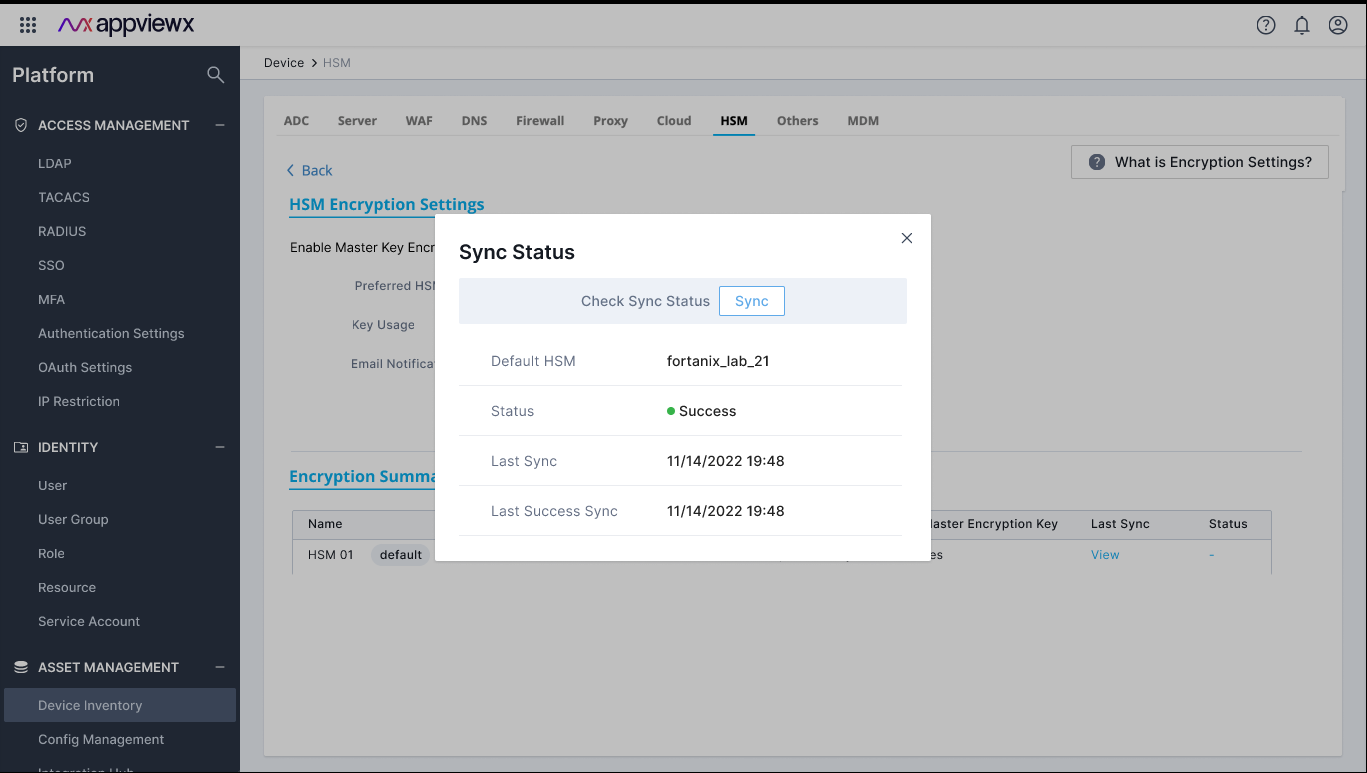
Note: The
in-memory cache functionalities will start to fail, even without flushing, if the
key is not available in the cache. This is because the key retrieval will not
succeed when the HSM is unhealthy.
