
Validating MSCA using CEP/CES in Client Machine
- Login to an end machine using the service account created.
- Open a command prompt as administrator and run the gpupdate /force command to update the group policy.
- Go to MMC and add the user and machine certificate snap-ons.
-
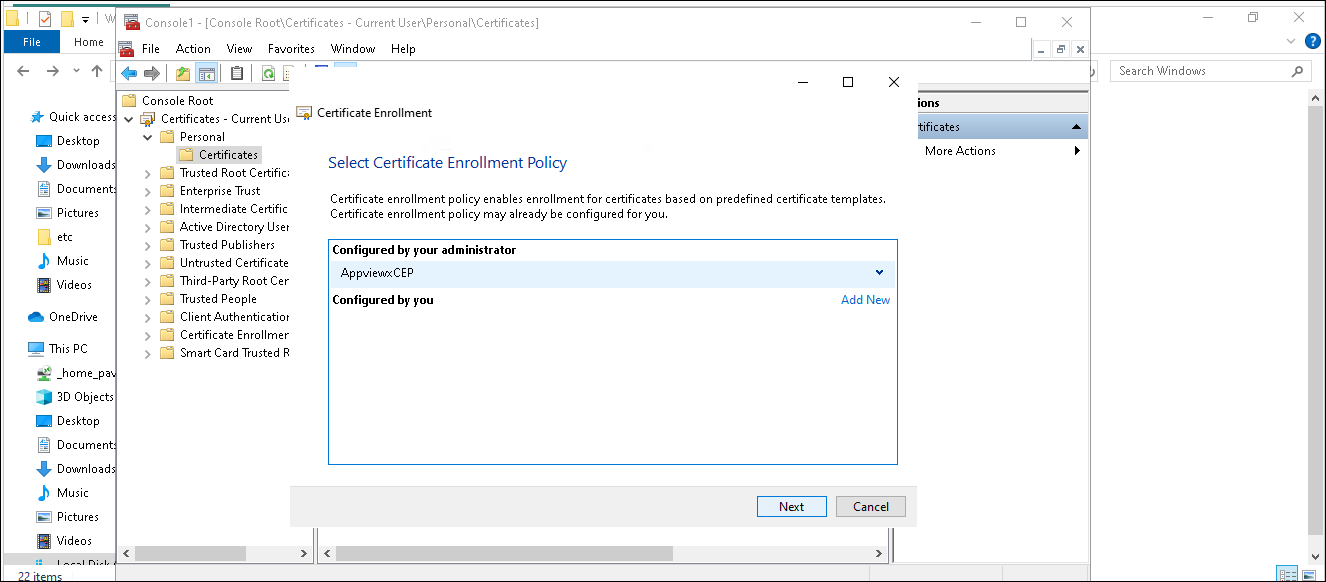
Right-click the personal store of User Certificates and click All-tasks >
Request New Certificate.
The CEP friendly name configured earlier will be shown there. Click that and proceed to enroll a certificate.
- Similarly test certificate enrollment for computer certificates.
