
Getting Started with Dashboards
Dashboards allow you to manage, monitor, and interpret all configured applications and
their objects. Widgets on the dashboard display reports that provide consolidated
statistics of all accessible certificates, devices, and objects by extracting data from
the respective inventories and recording the key value indicators.
- Legacy dashboards: These are hard-coded dashboards displaying predefined
widgets to serve specific use cases. Widgets and reports on these dashboards
cannot be modified or downloaded. For example: Connected Platform.
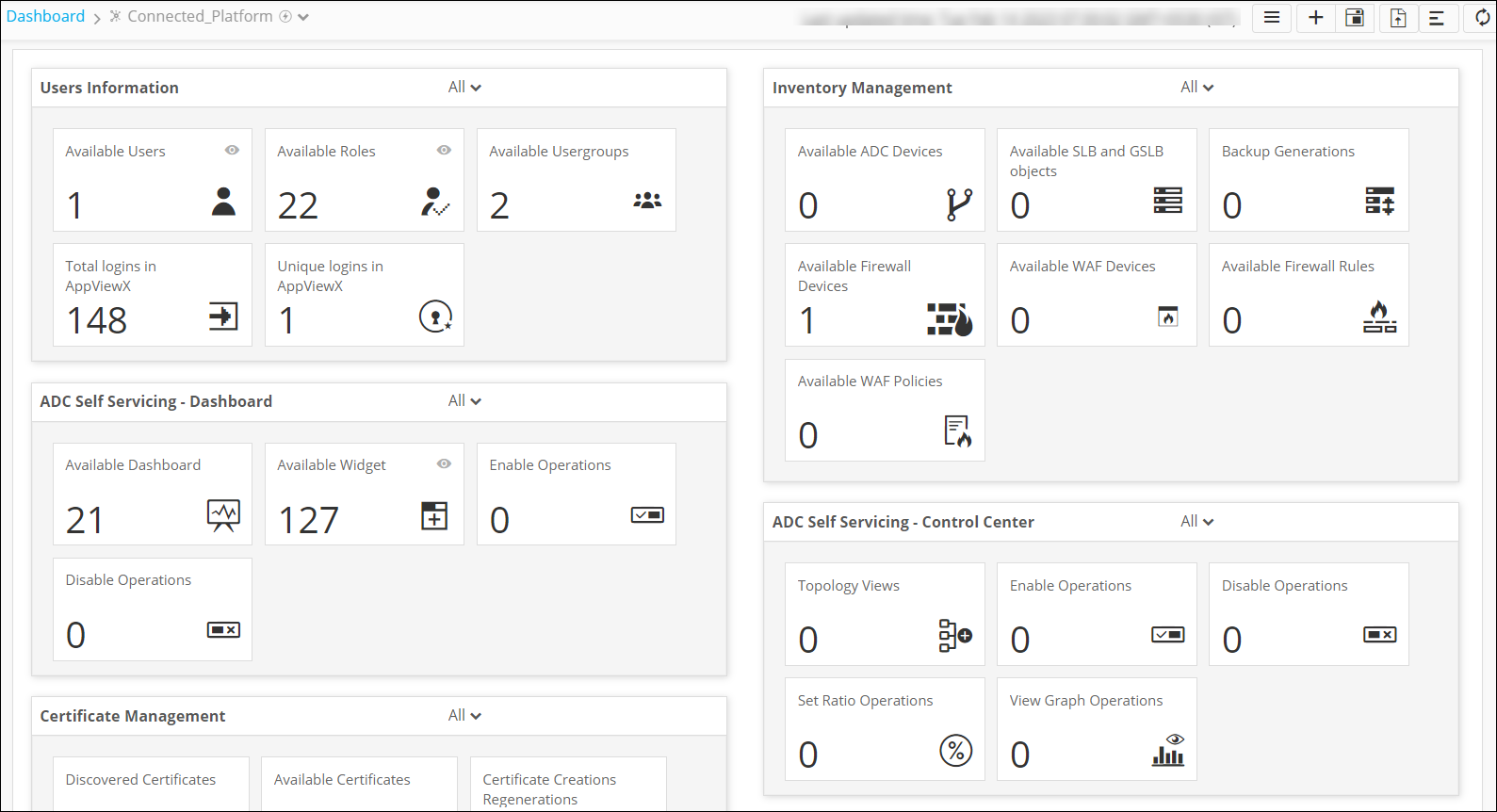 The following table describes the
options available on this dashboard:
The following table describes the
options available on this dashboard:Options Description Dashboard name Displays the name of the current dashboard. 
Allows you to navigate to the Dashboard inventory. 
Allows you to create a dashboard/widget. 
Allows you to save the dashboard. 
Allows you to align the widgets on the dashboard. 
Refreshes the dashboard. - Custom dashboards: These dashboards display reports and widgets created and pinned by the user. Widgets and reports on these dashboards can be added, removed, or modified as necessary and can also be shared among multiple roles. These dashboards can also be downloaded to your laptop. For example: Usage and Adoption Metrics, License Usage, and so on.
