
Defining Query Explorer to Build Forms 
To design a query to ‘get device details’ using query explorer and build forms quickly:
- Design/Modify a custom workflow.
- From the User Interface section, drag and drop the Form task.
-
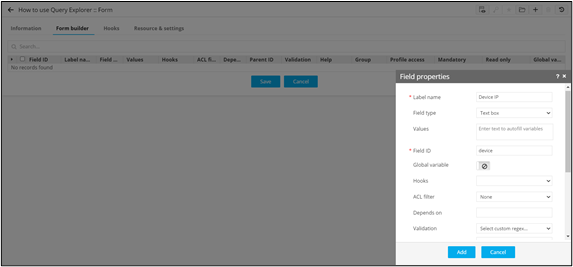
Under Form builder, define the form field to
fetch specific details from the database.
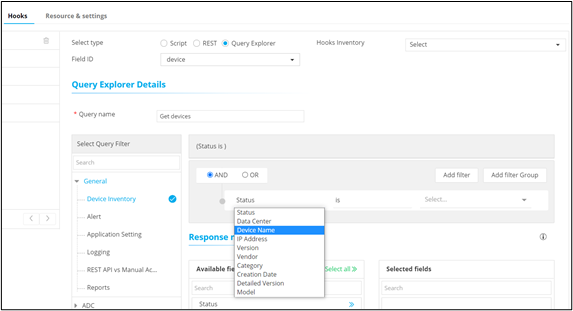
- Under Hooks, define the required Hook using Query explorer.
-
Select the required response from the query to be mapped to the form field.
-
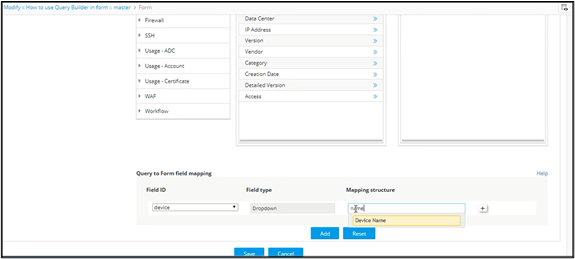
Map the query response to the specific form field.
-
To validate the execution, click
 (View) icon.
