
Activation of Free Plan by Non-Admin Users
- Login to your SaaS Account as a non-admin user.
-
From the upper left corner of the screen, click
 (Menu).
-
On the displayed menu click All Products.
The AppViewX ONE Platform landing page is displayed.
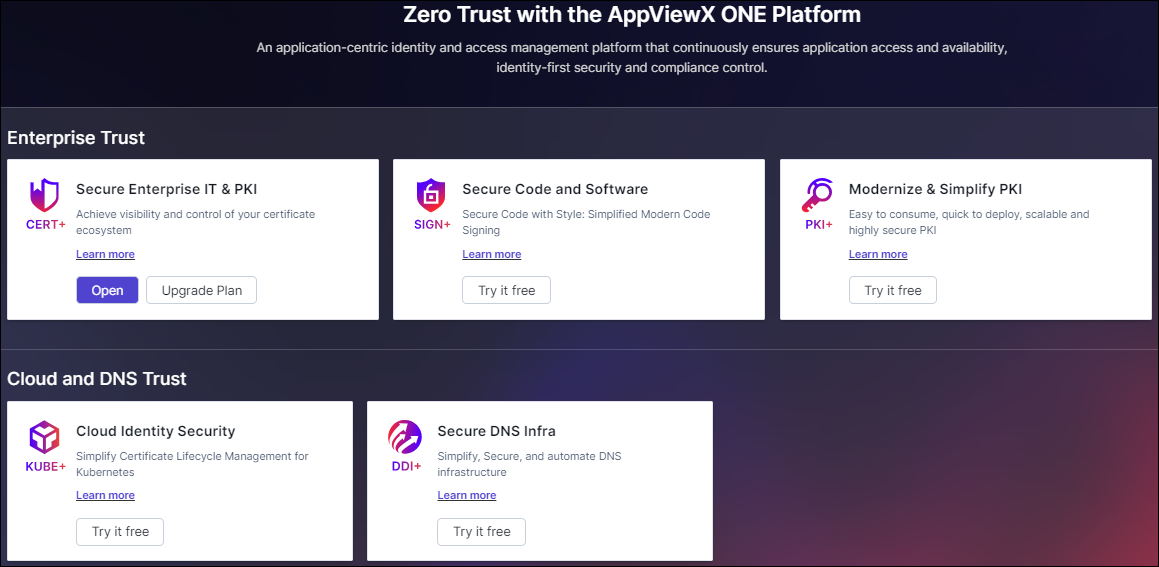 Note: The production license product will display options to Open and Upgrade Plan. All other products showing Try it Free are freemium products.
 -
To try a product, click Try it free to start your free plan of the
product.
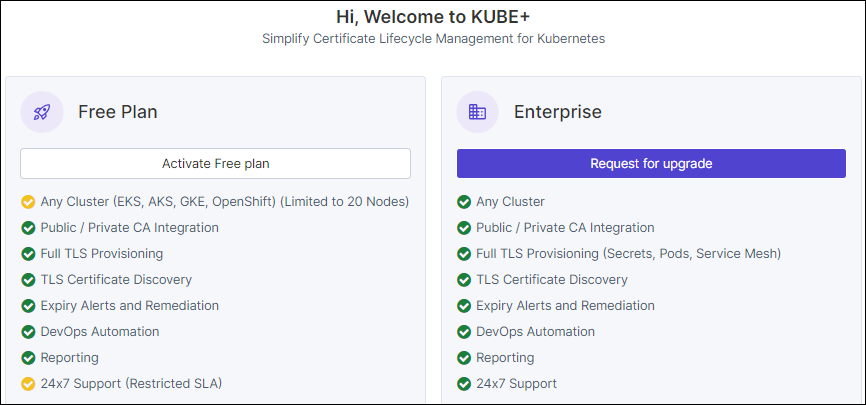
You will be redirected to the Welcome page of the selected product with features enabled in the Free plan.
- Click
Activation of Free plan
-
Click Activate Free plan for requesting activation
of free plan.
Permission Denied Popup is displayed stating.Kindly contact your administrator to activate [Product] Free plan.
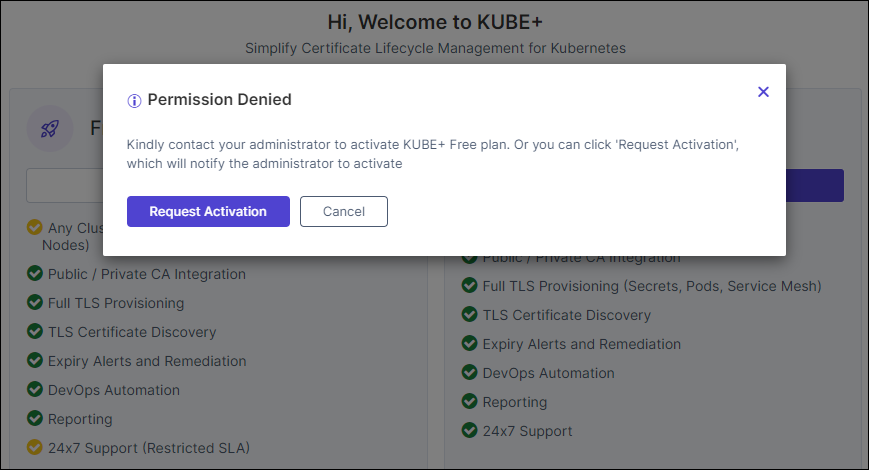 Note: Only users with administrative privileges can activate the Free Plan. Users without admin access can click Request Activation, which will notify the admin/admin user group to activate the free plan.
 -
Click Request Activation, which will notify the
admin/admin usergroup to activate the free plan.
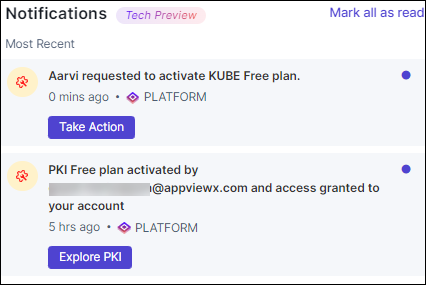 You will be redirected to the AppViewX ONE Platform landing page.
Request for upgrade
To Request for upgrade, follow the steps below:
- Click Request for upgrade to buy a production license.
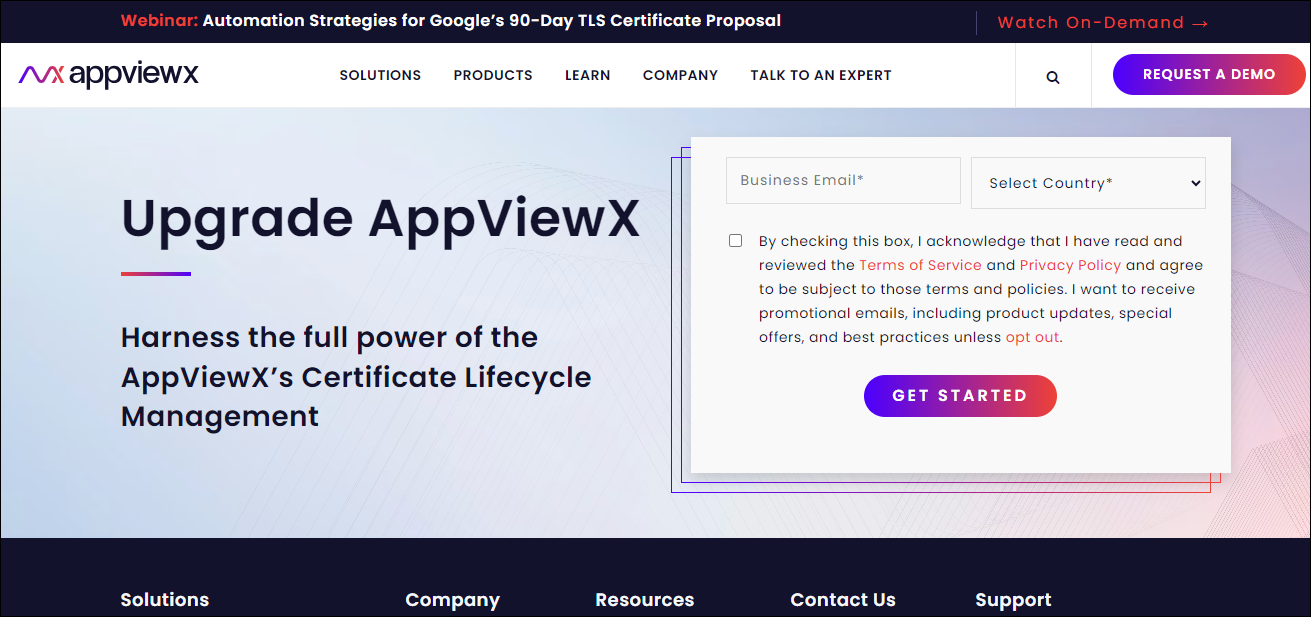 For more details on upgrade
steps, click
For more details on upgrade
steps, click 