
Configuring the SMTP Settings
Accessing SMTP Settings Page
| New Menu | Old Menu |
|---|---|
| In the Platform module, from the navigation pane on the
left, under SYSTEM ADMINISTRATION, select SMTP. The Settings :: SMTP page is displayed. |
|
|
Note: For more information on how to switch
between menus, click here.
|
|
Configuring the SMTP Settings 
When accessing the Settings :: SMTP page in SAAS, the following screen will be
displayed. 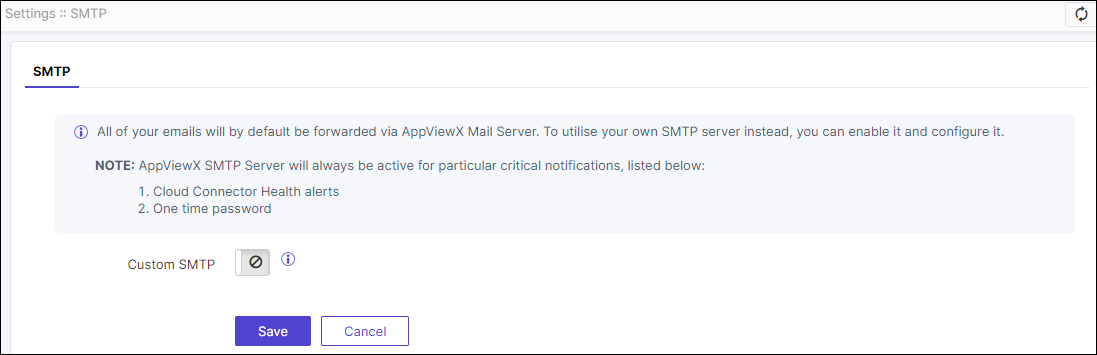
- Enable the Custom SMTP toggle to use your own SMTP server.
- Configure Custom SMTP settings if the toggle is
enabled; otherwise, emails will be sent through the AppViewX mail server by
default.Note: AppViewX SMTP server will remain active for specific critical notifications, such as cloud connector health alerts and one-time passwords.
- Click Save.
