
Modifying page layout
- Open a page from the Design section.
-
Hover your mouse to the top right corner of the page and click
 (Edit) icon.
 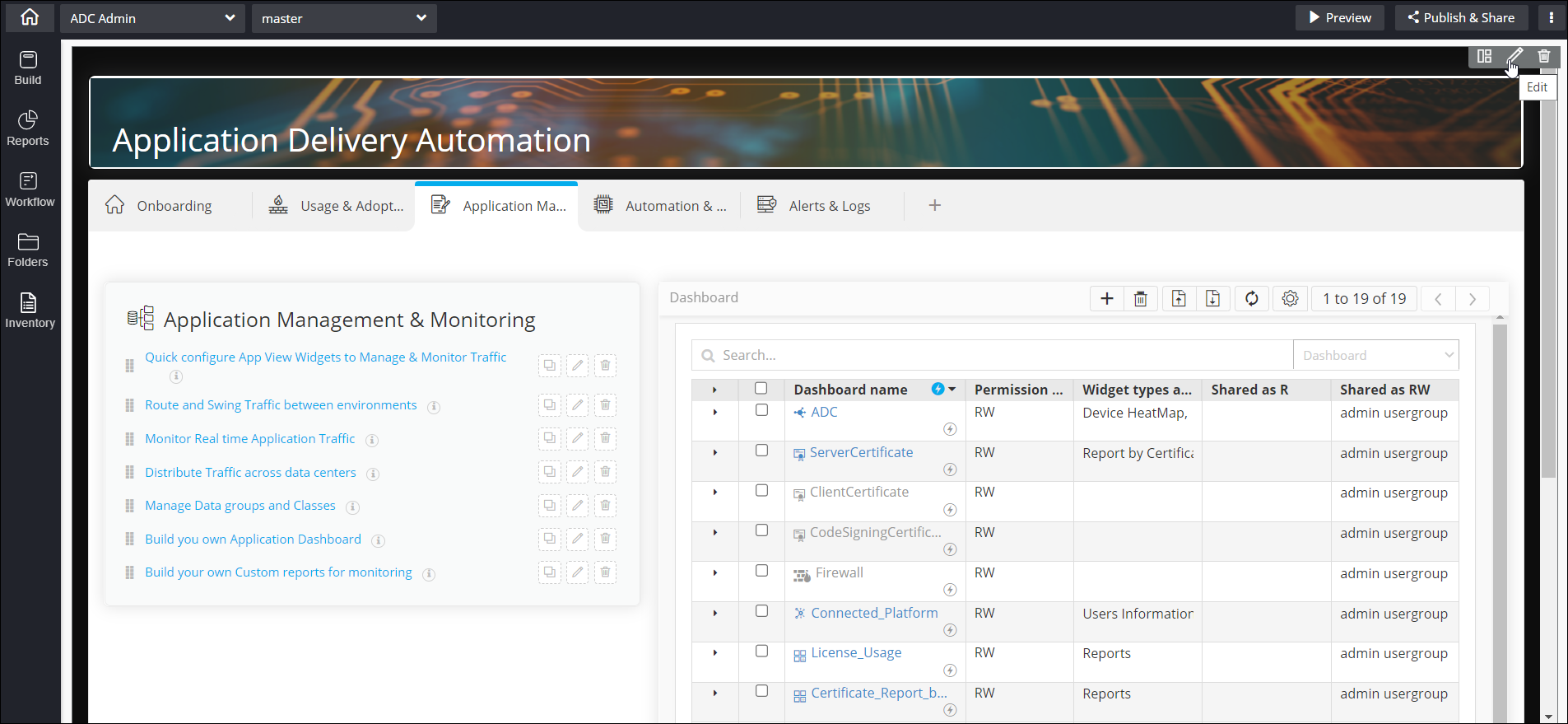 The Layout pop-up window is displayed with the Properties tab open by default.
(Edit) icon.
