
How to Undo/Redo actions
To undo an action:
- Open a page in design mode.
-
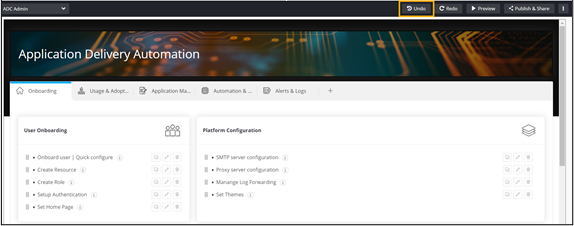
From the menu on the top, click Undo.
 The deleted widget is displayed.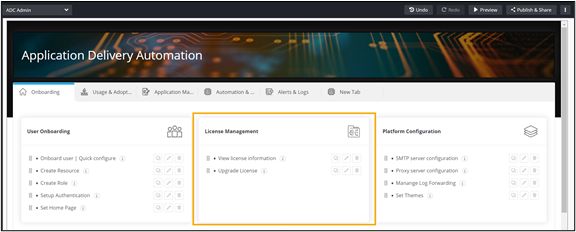
-
To redo the previous action, from the menu on the top, click Redo.
The widget is deleted again.
