Cloning Widgets
To clone a widget:
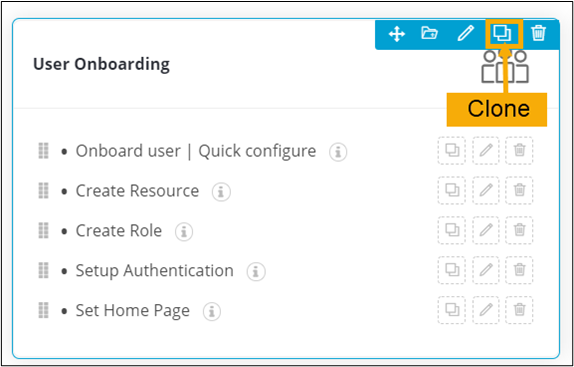
- Hover your mouse over the widget.
-
Click
 (Clone) icon.
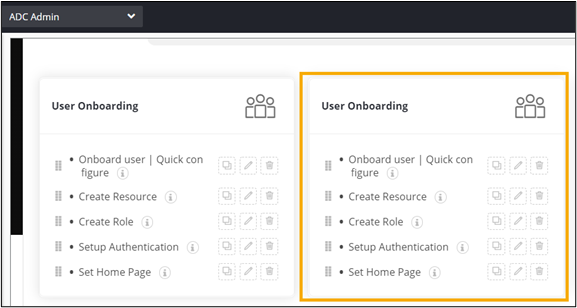
  A clone of the selected widget is displayed on the page. You can modify this cloned widget as per your requirement.