
Getting Started with Designing a Custom Catalog
- Go to the Design inventory and click Design.
-
In the Design page window, click New Page.
A blank page is displayed with the Switch Layout window open by default.
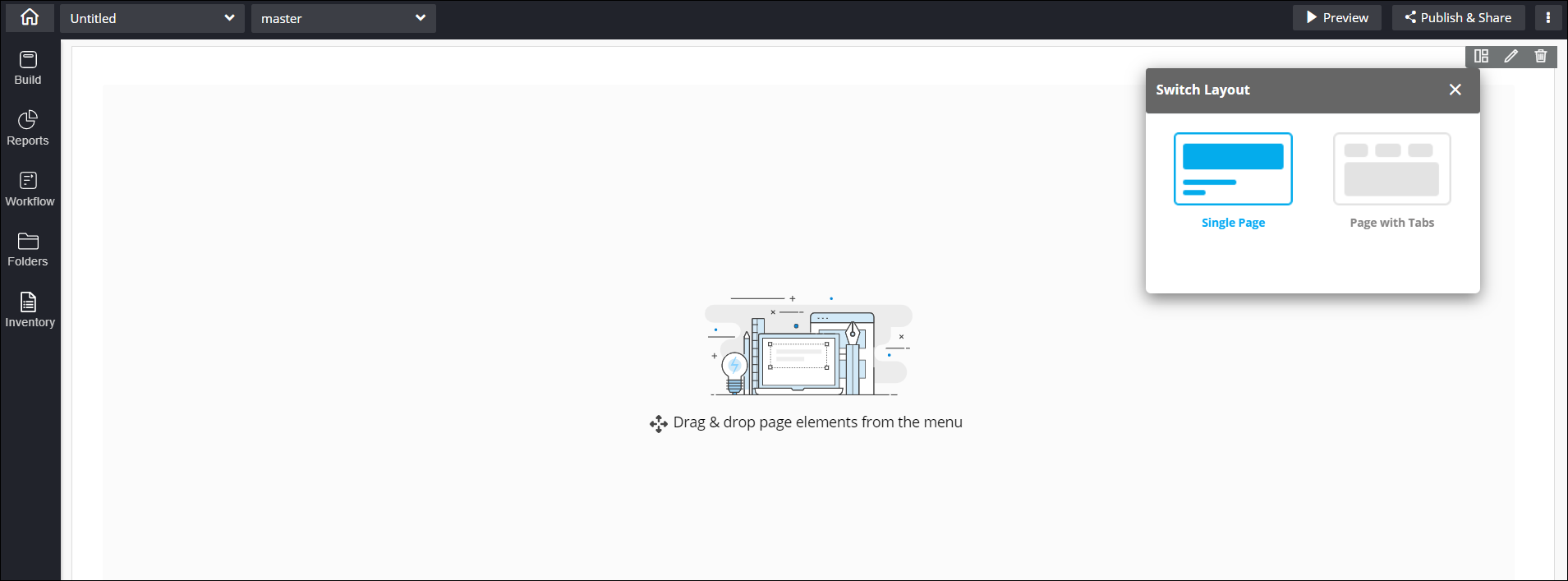 Note: For more information on page layouts, click here.The component panel on the left shows the following options for Page elements:
- Build: Allows you to add widgets and form components to your catalog.
- Reports: Allows you to add report widgets to your catalog.
- Workflow: Allows you to add workflow catalogs to your catalog.
- Folders: Allows you to save catalogs to personal and shared folders.
- Inventory: Allows you to access OOB forms and customized forms.
-
To add a Page name and Description, click on the Untitled
dropdown.
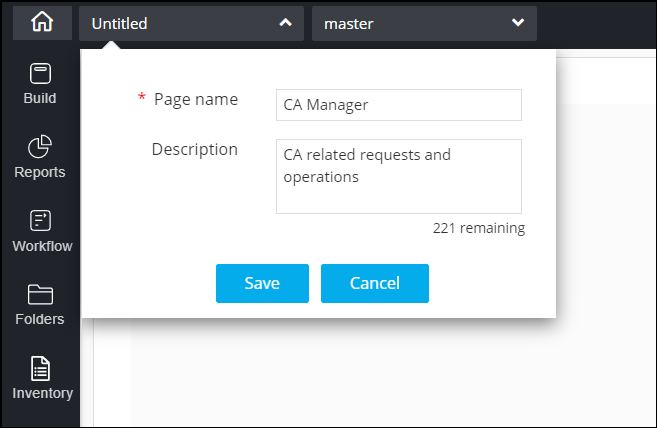 Note: Page name is a mandatory field.
 - Click Save.
