
Folders
You can reuse widgets by saving them in folders. The Folders section also provides sample
HTML scripts. Folders enable reusability of elements across multiple users thereby
saving time.
The Folders can be accessed from the component panel on the
left.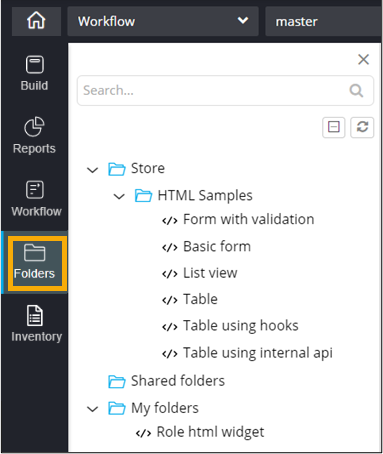
This table describes the options present in this
section:
| Option | Description |
|---|---|
| Search bar | Allows you to search for a specific folder, widget or sample HTML script by typing keyword(s) in the search field. |
 / / |
Allows you to toggle between expanded and collapsed views of the folders. |

|
Refresh the folders inventory. |
