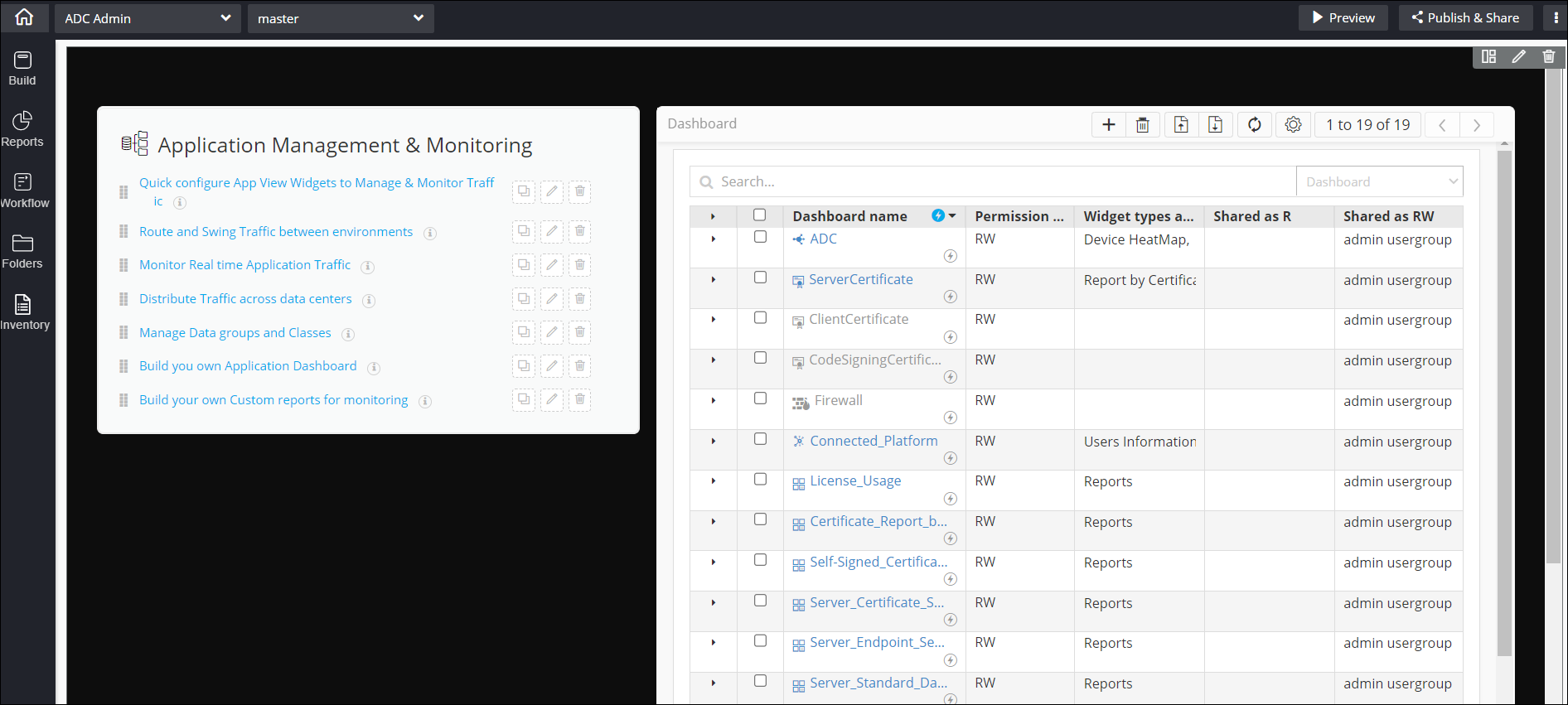
Switching from Page with tabs Layout to Single Page Layout
-
In the build area, from the top right corner of the screen, click
 (Switch Layout) icon.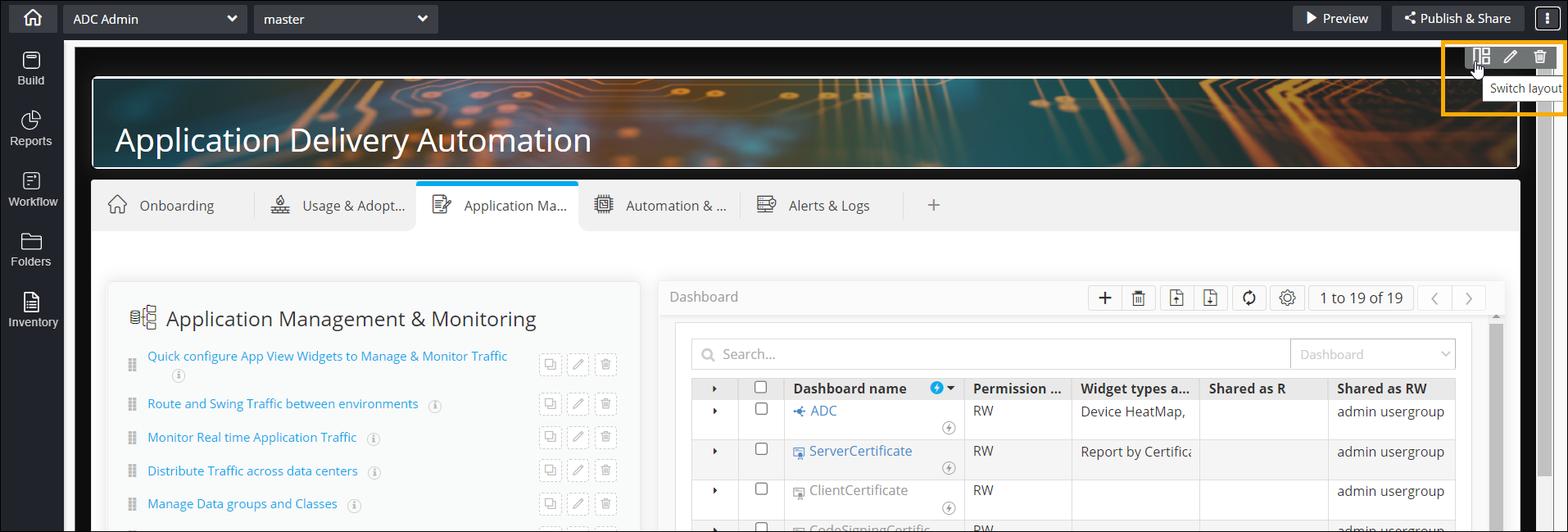
- In the Switch Layout window that is displayed, click Single Page.
-
In the Confirmation window, from the dropdown, select the tab you want
to retain on the Single page layout.
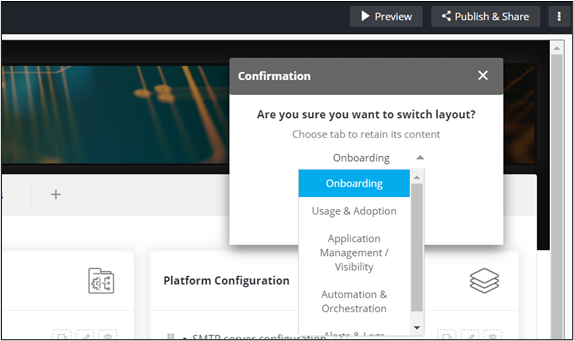 Warning: Remaining tabs will be deleted and cannot be recovered even after switching back to Page with Tabs layout.
 -
Once you have selected the tab to be retained, click Yes.
The page layout is switched to Single Page displaying the retained tab.