
Assigning Roles to the ServiceNow User Account
-
Scroll down on the User page and under Related Links, click the
Roles tab.
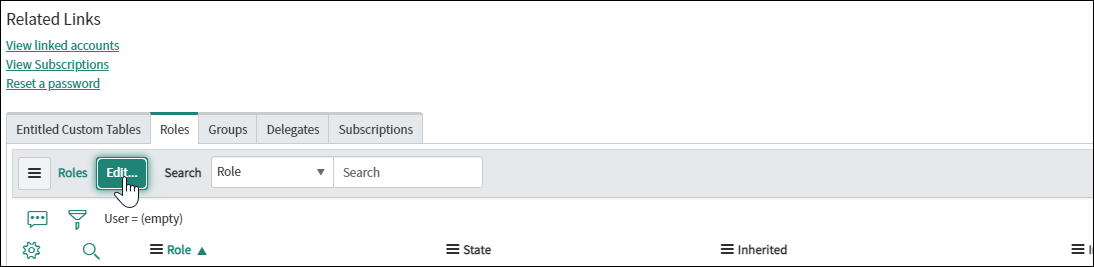
- To allow the user account to perform standard ITIL functions, on the Edit Members page, search for the x_avx_appviewx_aut.service_account role.
-
Select the role and click
 .
.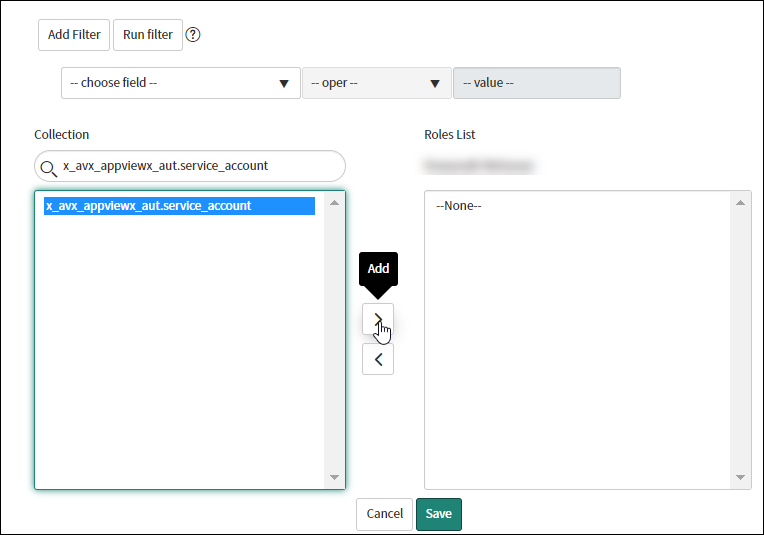
- Click Save.
