
Overview
- AppViewX
- DigiCert
- Microsoft Enterprise
- Entrust
- EJBCA
- Amazon CA
- AppViewX PKIaas
- Globalsign
- Globalsign MSSL
- Trustwave
- Sectigo
- GoDaddy
- Hydrant ID
- SwissSign
- Microsoft Standalone
- AppViewX Native PKI+ CA (PQC - Ready AVX CA)
To configure CLM settings:
-
From the navigation pane on the left, under Administration, click CLM
Settings.
The CLM Settings page is displayed.
-
To configure a new CA in the app, on the CLM Settings page, click
New.
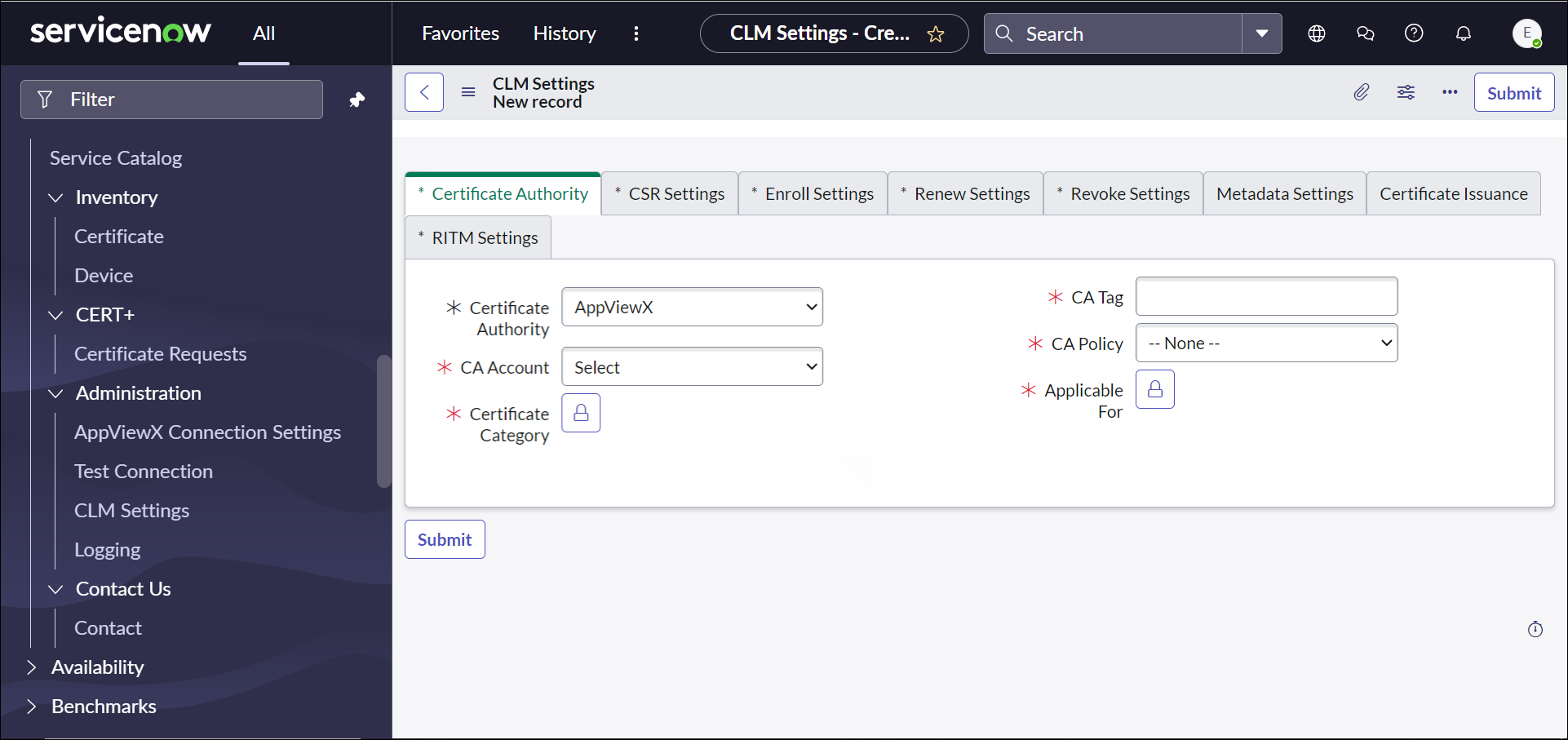
The CLM Settings New Record page is displayed with the Certificate Authority tab open by default.
 Note: To add a CA to the app, it must already be configured in AppViewX.
