
Sorting the Workflow Catalogs
-
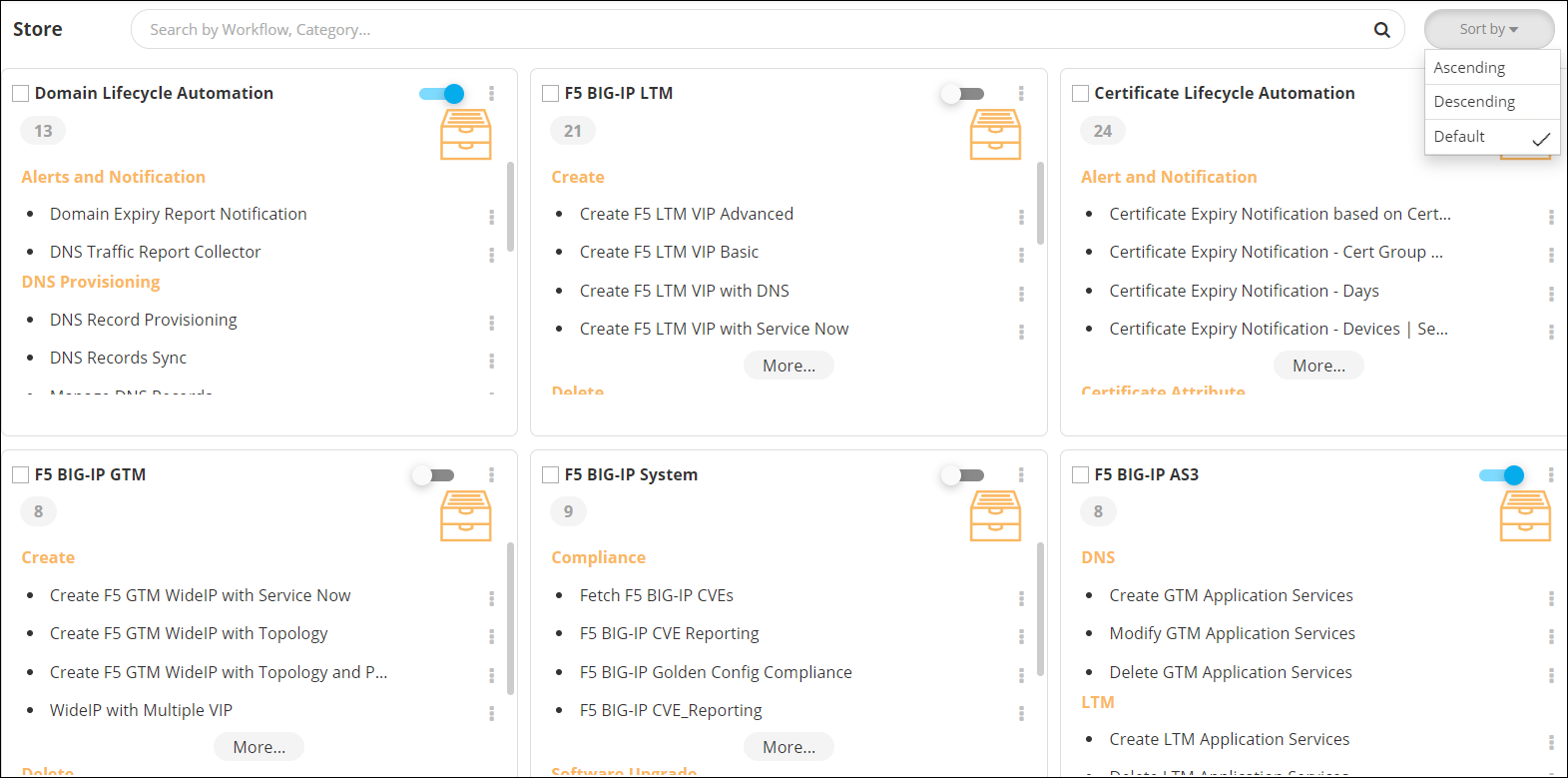
On the Store page, from the top right corner of
the page, click Sort by.
-
From the Sort by dropdown menu, select how you want to arrange the
workflow catalogs. The options available are:
- Ascending: All workflow catalogs will be sorted in an ascending order as per the catalog name.
- Descending: All workflow catalogs will be sorted in a descending order as per the catalog name.
- Default: Workflows catalogs will be displayed in any random order.
