
Configuring RBAC for OOB Workflows
- Go to the Store.
-
On the Workflow > Store page, hover your mouse
over the workflow, and then click
 (Settings) icon.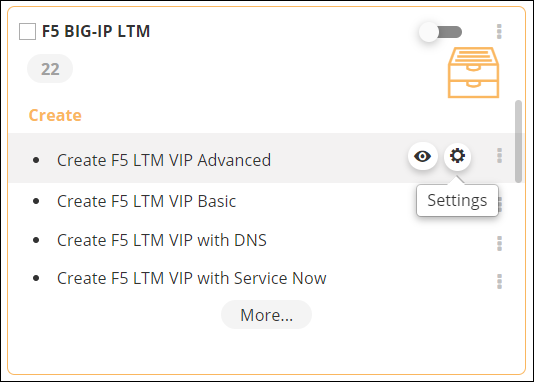
-
In the Settings window, under
RBAC, you can map the access control settings for
user(s) for all tasks within the workflow.
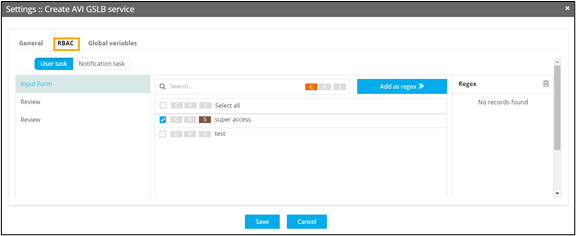 When trying to add the regex "*", a validation error will be triggered, resulting in the disabling of the "Add as regex" option.
