
Enabling/Disabling OOB Workflow Catalogs
- Go to the Store.
-
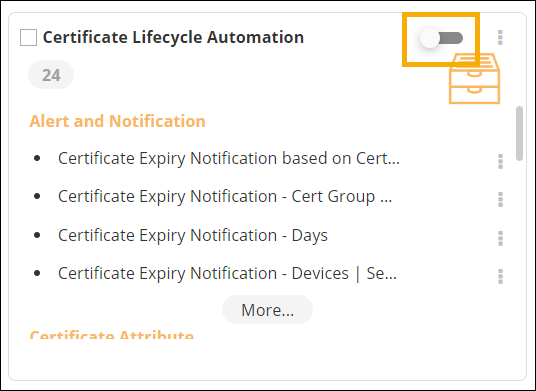
To disable a workflow catalog, on the Workflow >
Store page. turn off the toggle for the catalog to be disabled.
-
To enable a workflow catalog, on the Workflow > Store
page, turn on the toggle for the catalog to be enabled.
Tip: You can also enable or disable multiple catalogs by selecting the checkbox for the catalog(s) and clicking
 (Enable) icon to enable or
  (Disable) icon to disable the catalog(s).
