Understanding the Server Endpoint Security Dashboard
For the certificates in the Server inventory which are associated with the endpoints, from a security perspective, the following reports are available:
TLS Version - Server
This report shows the count of certificates with respect to the TLS versions available in
the server inventory. 
Clicking the Endpoint Count value in the report displays the respective data of
certificates.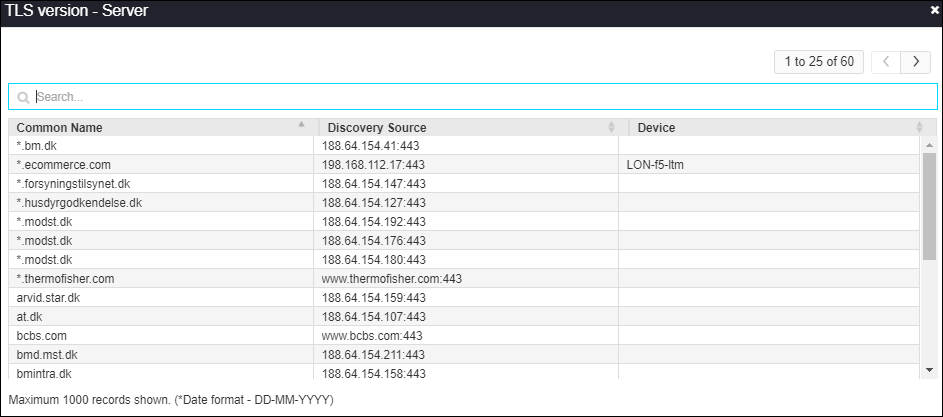
Cipher Suites - Server
This report shows the count of certificates with respect to the cipher suite details and
the TLS versions. The cipher suites are shown based on the priority.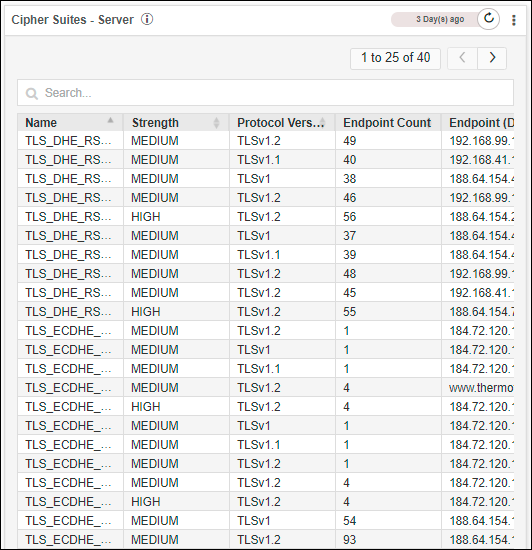
Clicking on the Endpoint Count value in the report displays the respective data of
certificates.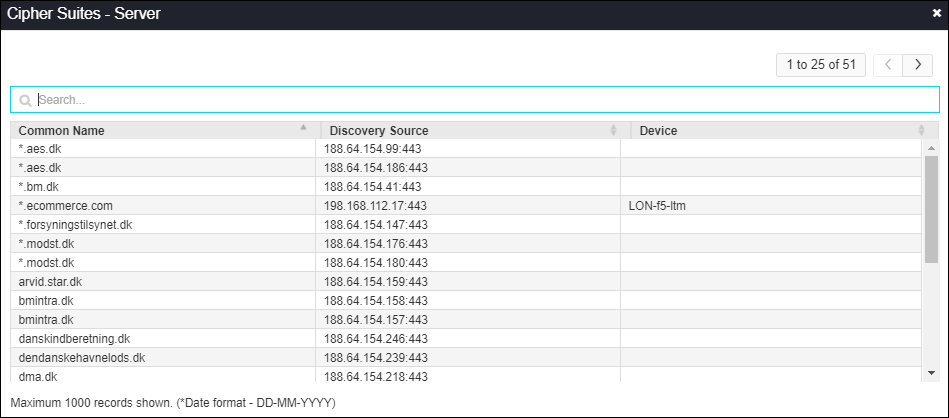
Heartbleed & Poodle Report - Server
This report shows the count of device endpoints are exposed to Heartbleed, Poodle, and ROCA
vulnerabilities.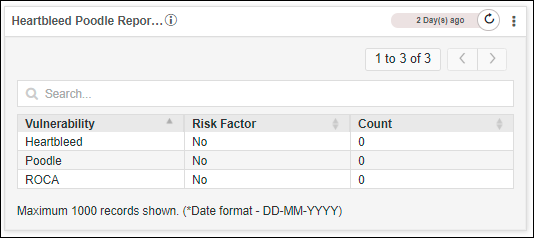
Click on the Count value in the report displays the respective data of
certificates.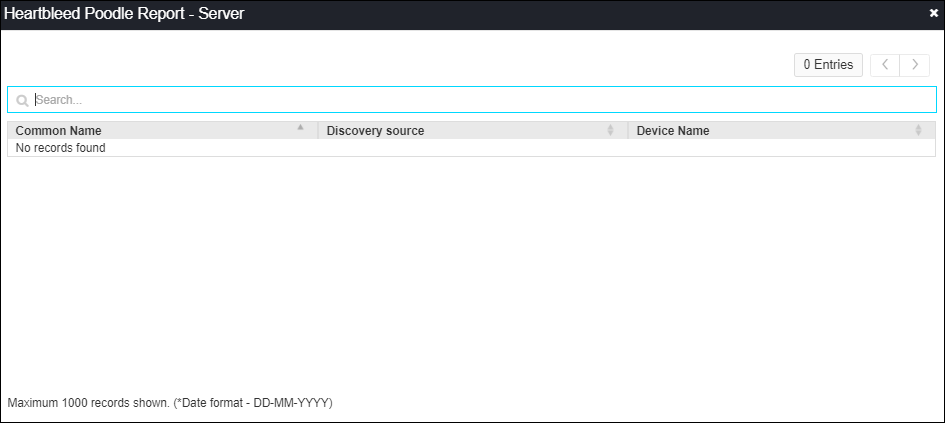
Certificate Monitor Statuses - Server
This report shows the count of domain names for which more certificates are available and
only a few are managed/monitored in the Client certificate inventory.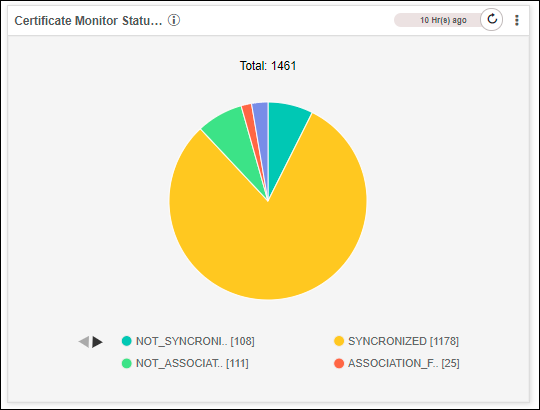
Clicking on any sections of the pie chart displays the respective data of
certificates.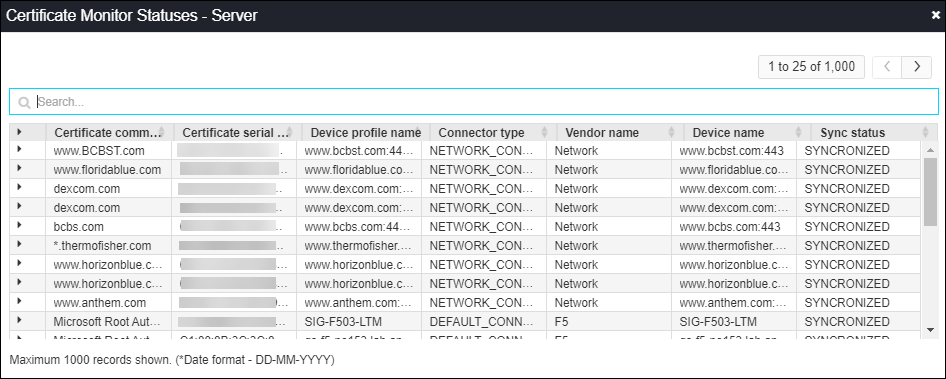
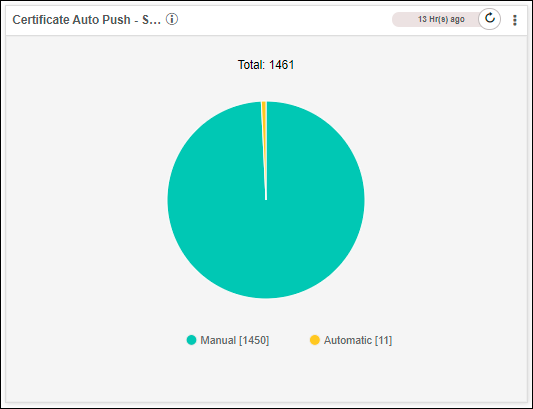
Certificate Auto Push - Server
This report shows the count of certificates in the Server inventory which are enabled and
not enabled with auto push feature.