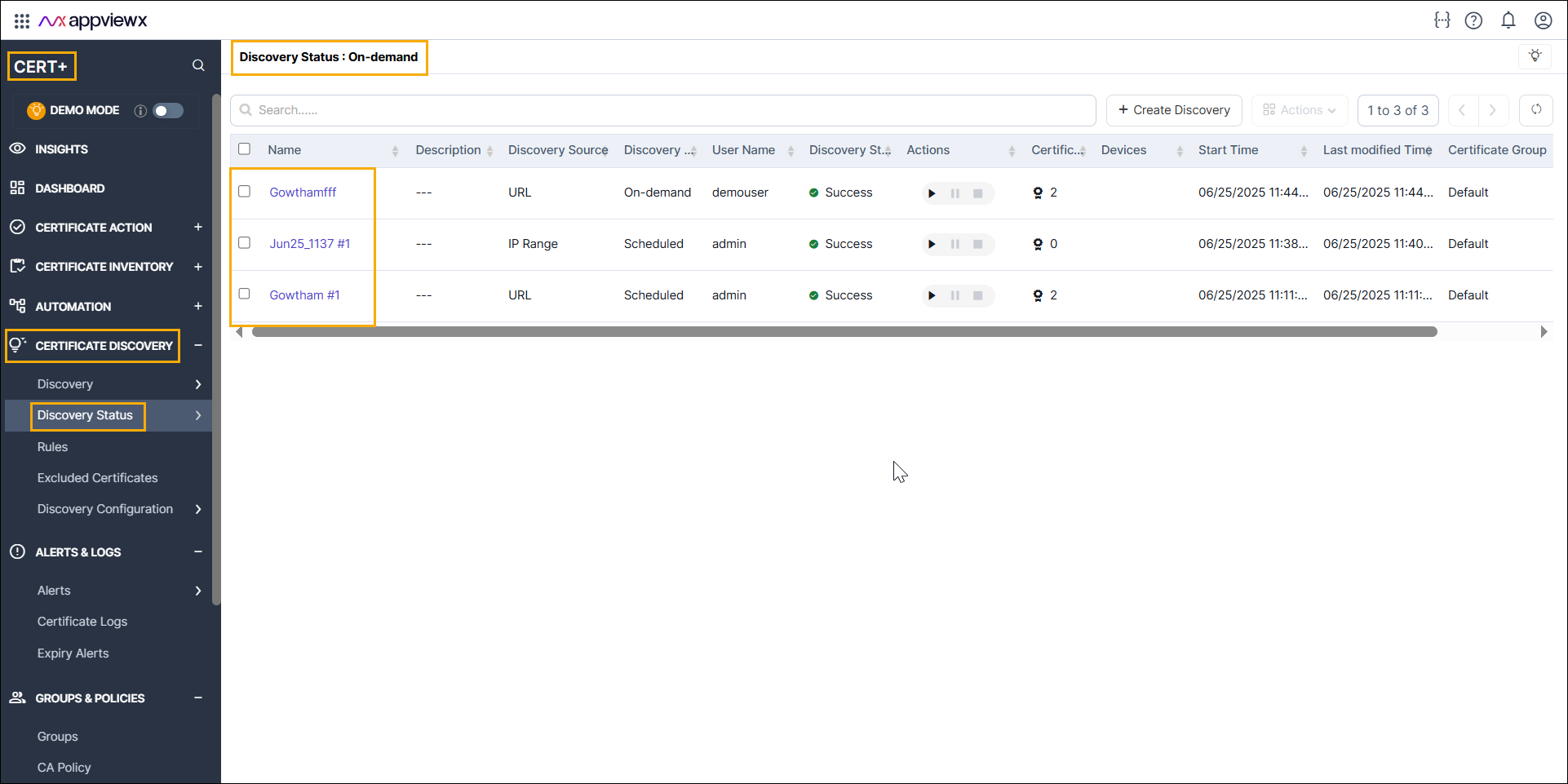
Accessing the Discovery Summary Dashboard
-
Go to
 (Menu) > CERT+ >
Dashboard.
The dashboard home page is displayed.
(Menu) > CERT+ >
Dashboard.
The dashboard home page is displayed. -
To go to the Discovery Dashboard, from the top left corner of the screen, click
Discovery URL.
The Dashboard summary page is displayed.