
Exporting Dashboard Information
To export dashboard information:
-
Go to
 (Menu) > CERT+ >
Dashboard.
The pinned or last viewed dashboard is displayed.
(Menu) > CERT+ >
Dashboard.
The pinned or last viewed dashboard is displayed. -
Select the dashboard to be exported and from the command bar at the top right
corner of the screen, click the export icon.
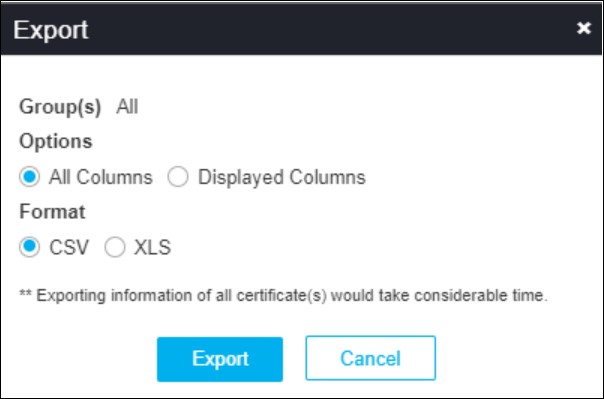
The Export pop-up window is displayed.
-
Select the required Options and Format.
The selected dashboard(s) are exported to your local machine.
