Pulling from the repository from the Design Canvas
- Go to the Workflow page.
- Design a workflow or open an existing workflow into which you want to pull tasks/workflows.
-
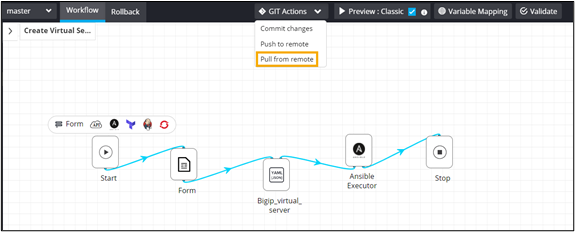
From the GIT Actions dropdown, select
Pull from remote.
-
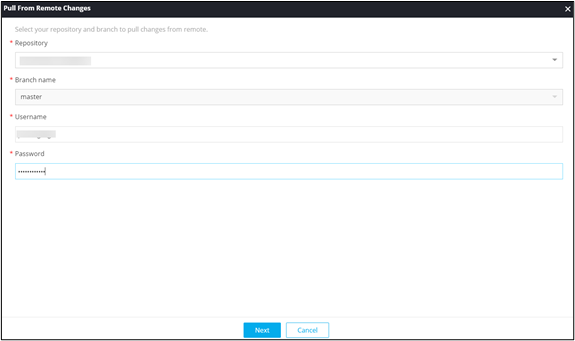
In the Pull from Remote Changes window, enter the
required field information.
-
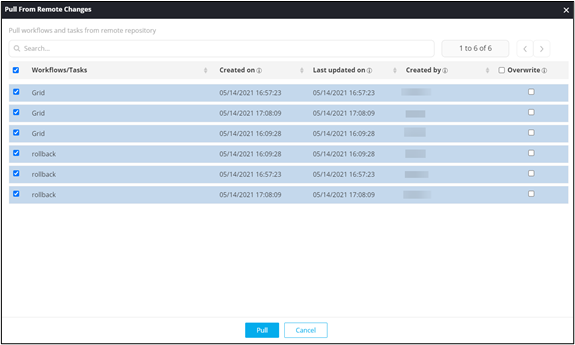
In the Pull from Remote Changes window, select the
workflows to be pulled and click Pull.