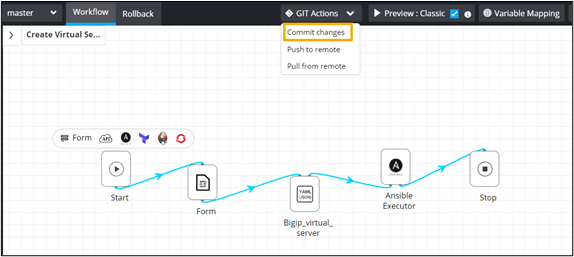
Committing Workflows from the Design Canvas Go to the Workflow page. Design a workflow or open an existing workflow that you want to commit to Git. Form the GIT Actions dropdown, select Commit changes. In the Workflow Commit window, enter a commit Message and click Commit.