
Configuring Workflow - Styles
-
For more options to customize the Workflow widget, in the
Service catalog window, click Styles.
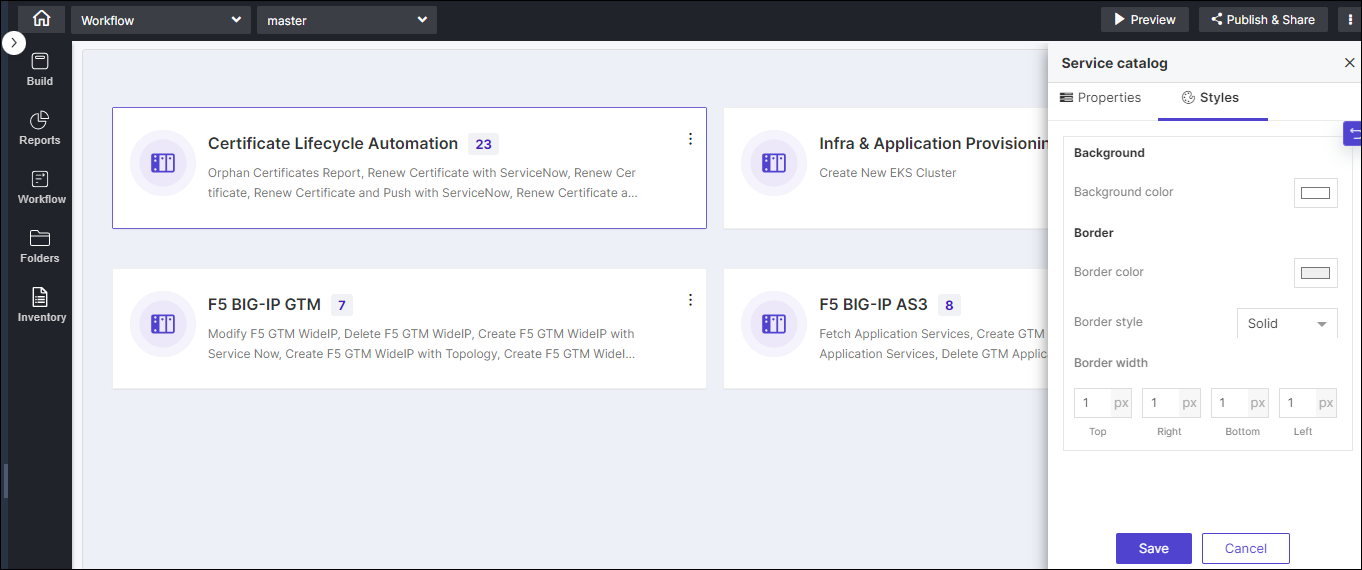
Table 1. Field descriptions for Styles Option Description Background Allows you to set the background color of the workflow widget. Border Allows you to define the - Border color - Set the color of the Workflow widget’s border.
- Border style - Set the border style for the Workflow widget from the options available in the dropdown.
- Border width - Set the thickness of the Workflow widget’s border.
-
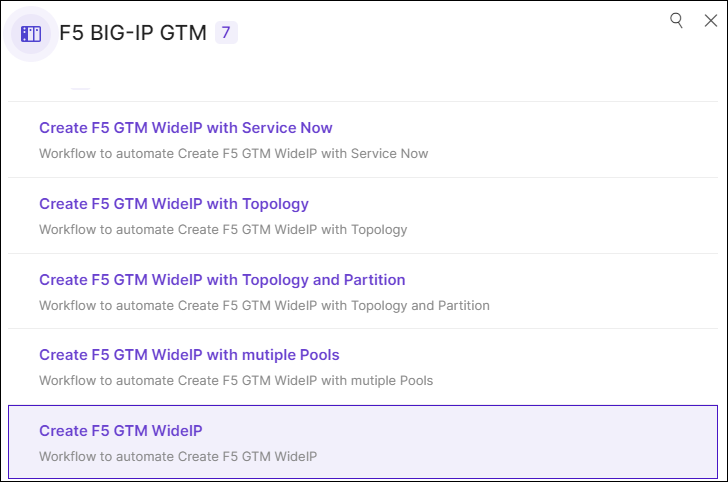
To trigger workflows from your page, click Preview.
A preview of the page opens in a new tab.
-
To trigger a workflow locate the workflow in the catalog and click the catalog
name.
The selected workflow is triggered.
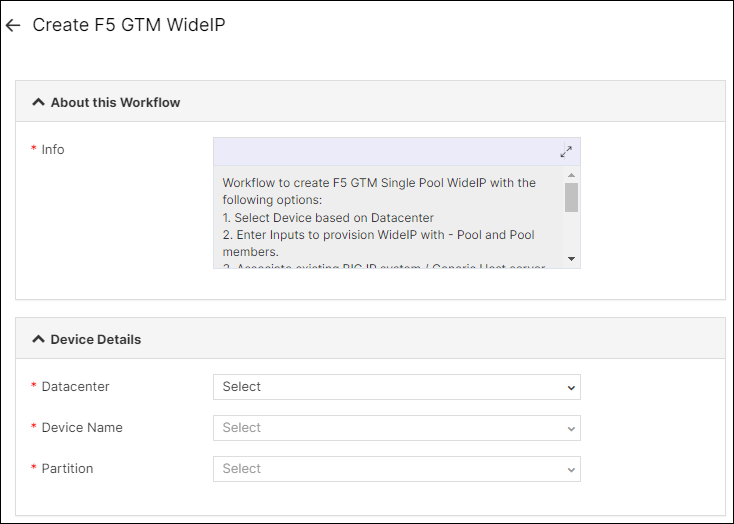 Note: Refer to Workflow Studio for more information.
